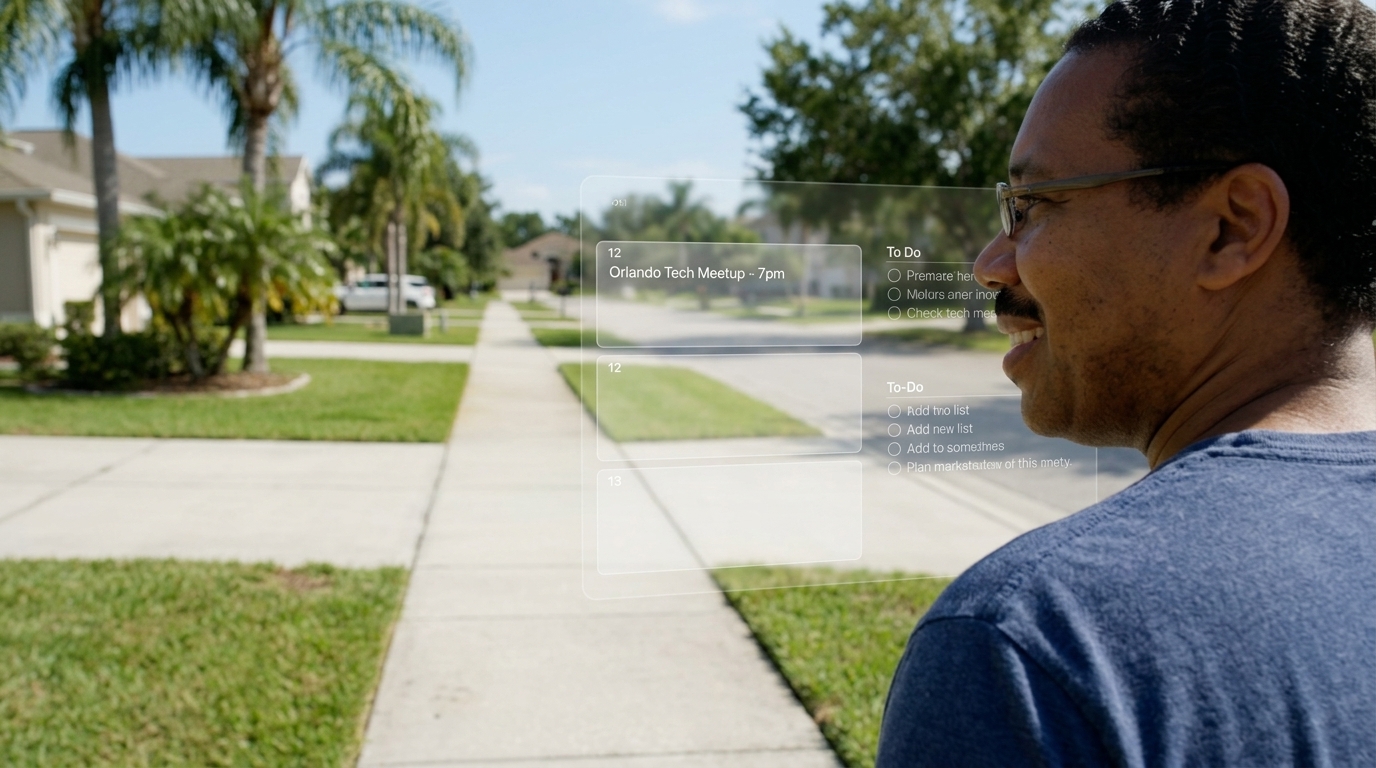
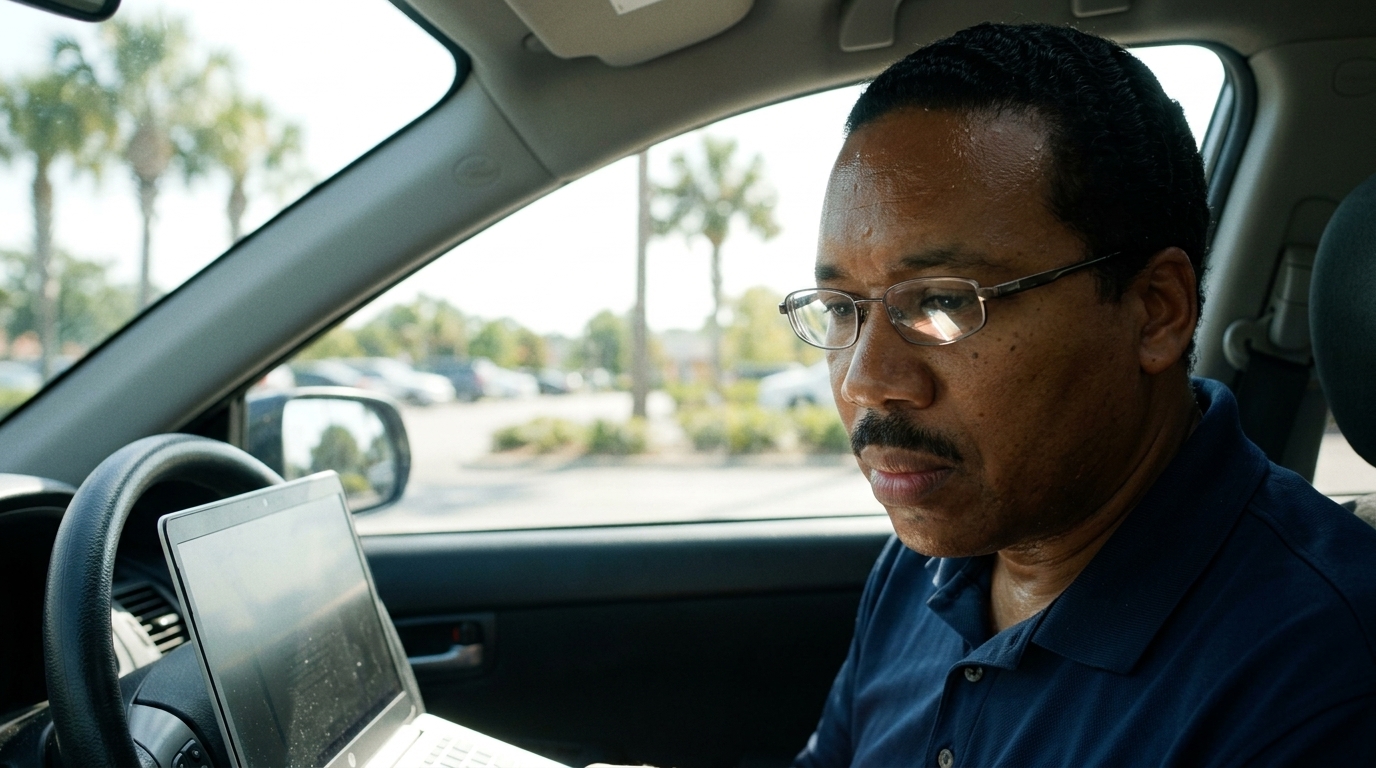
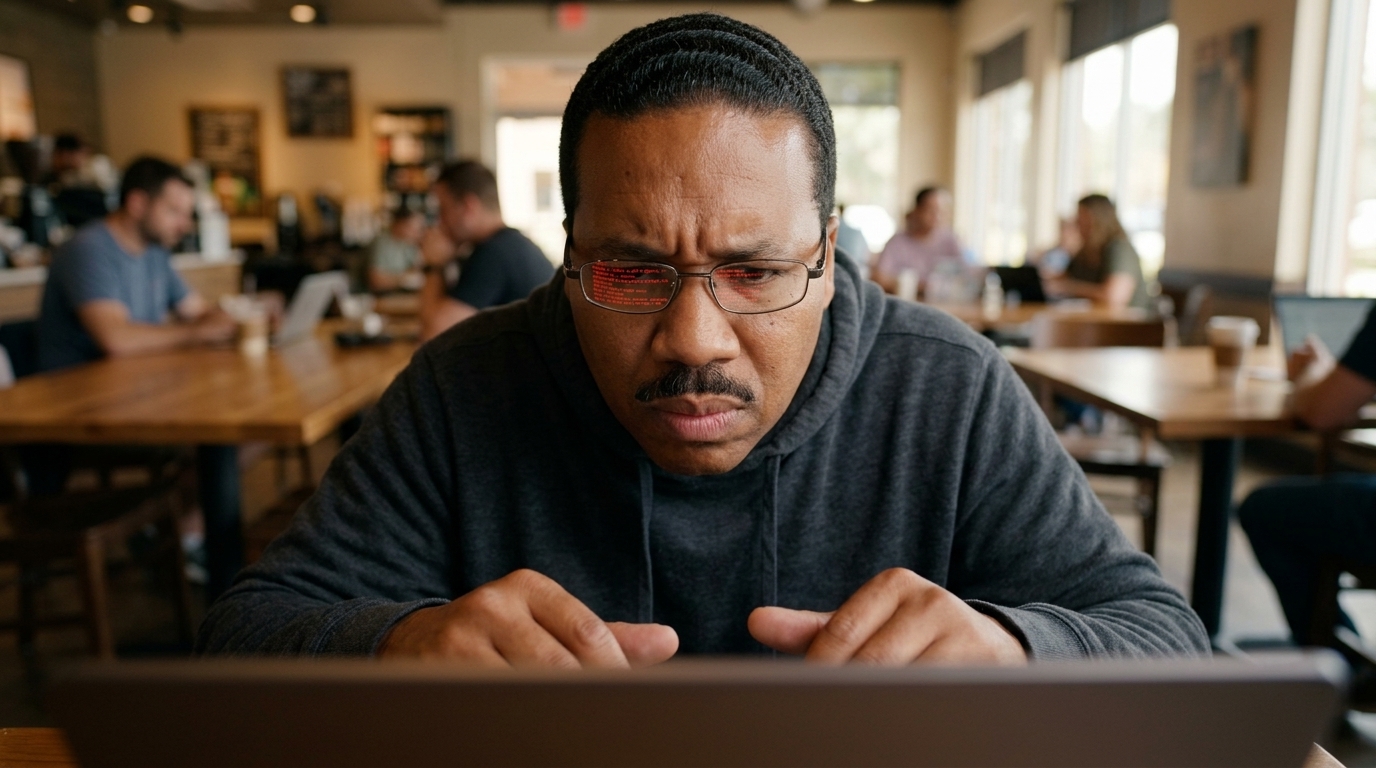
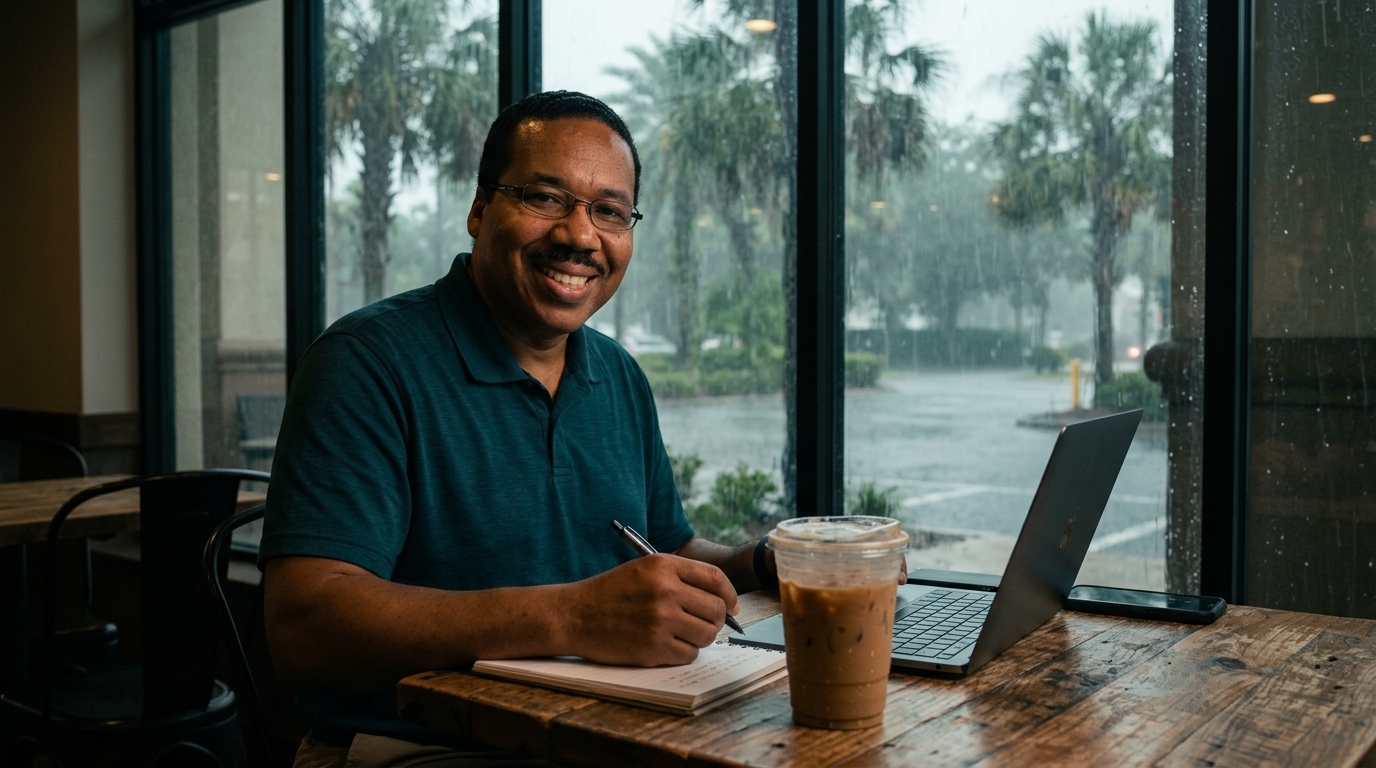
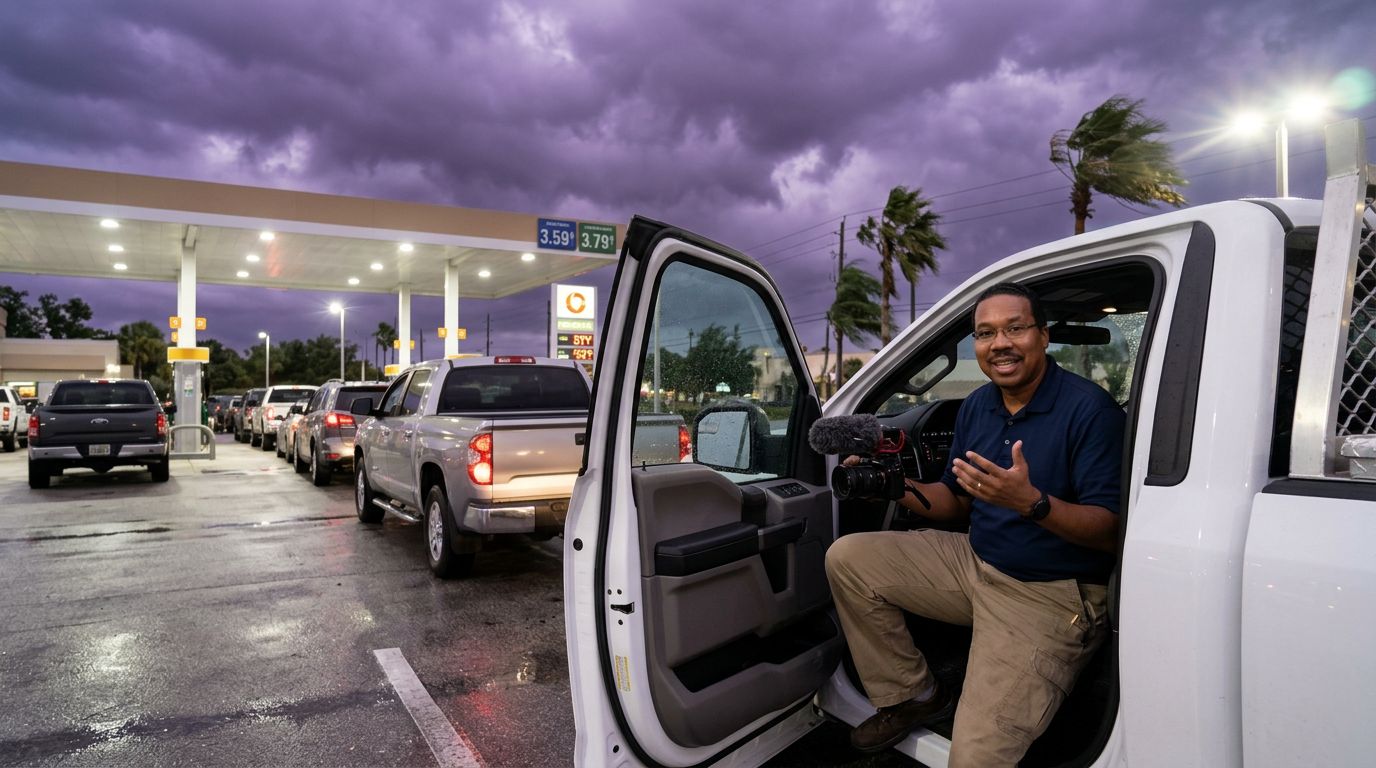
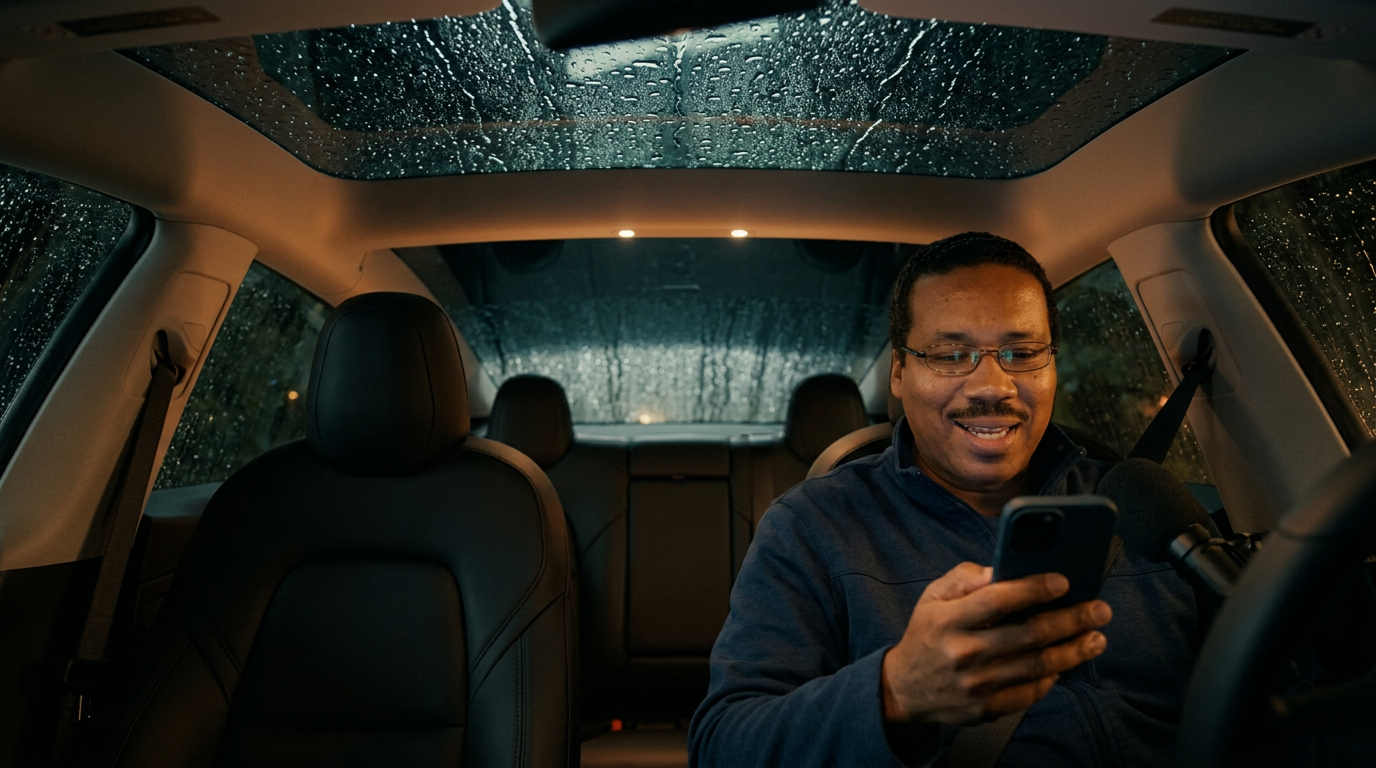
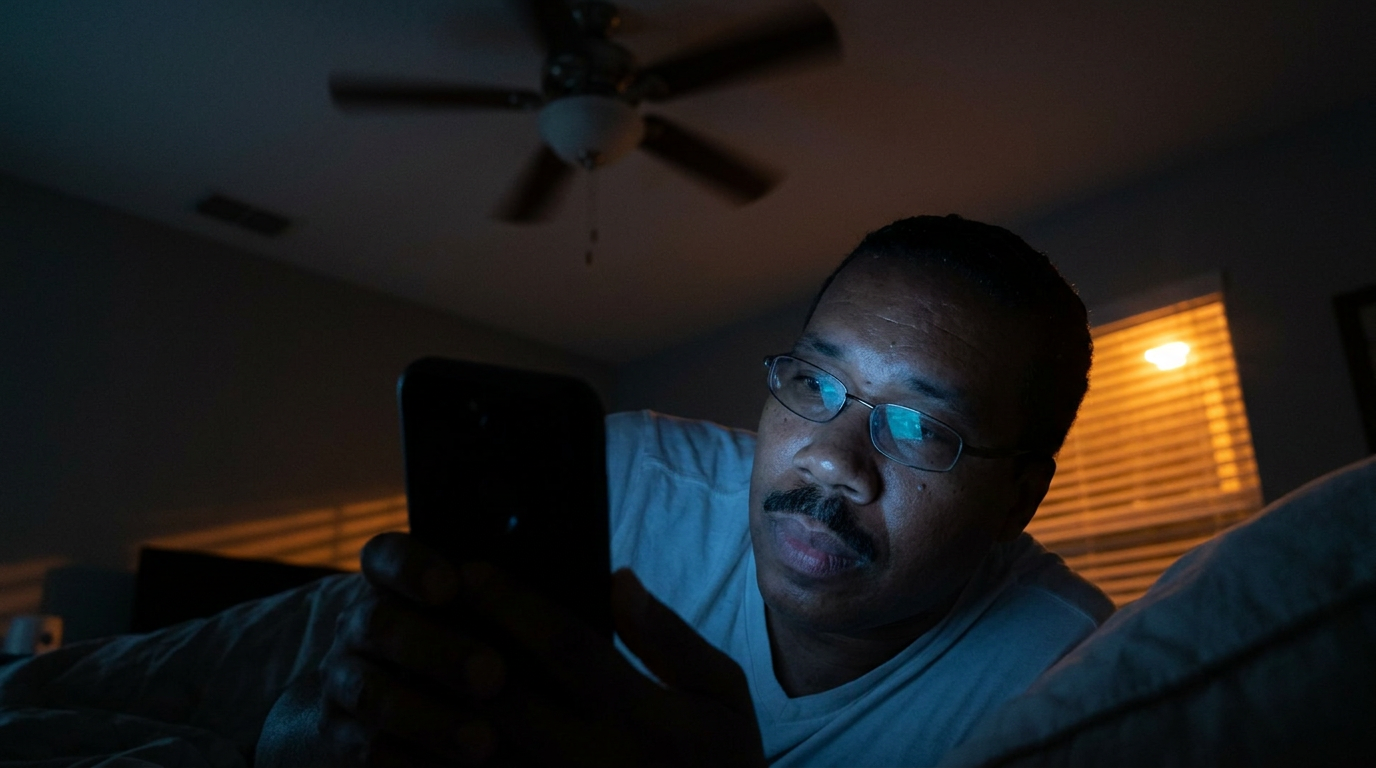
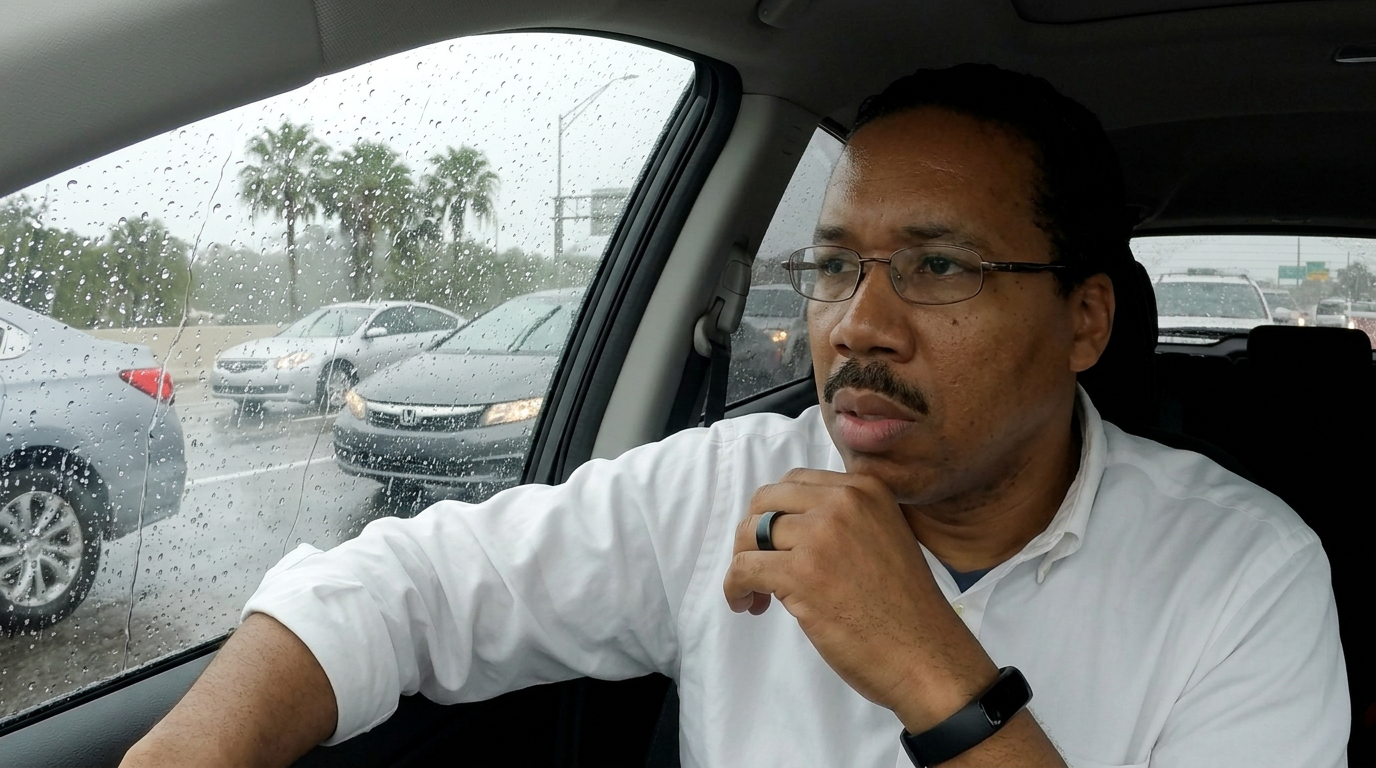
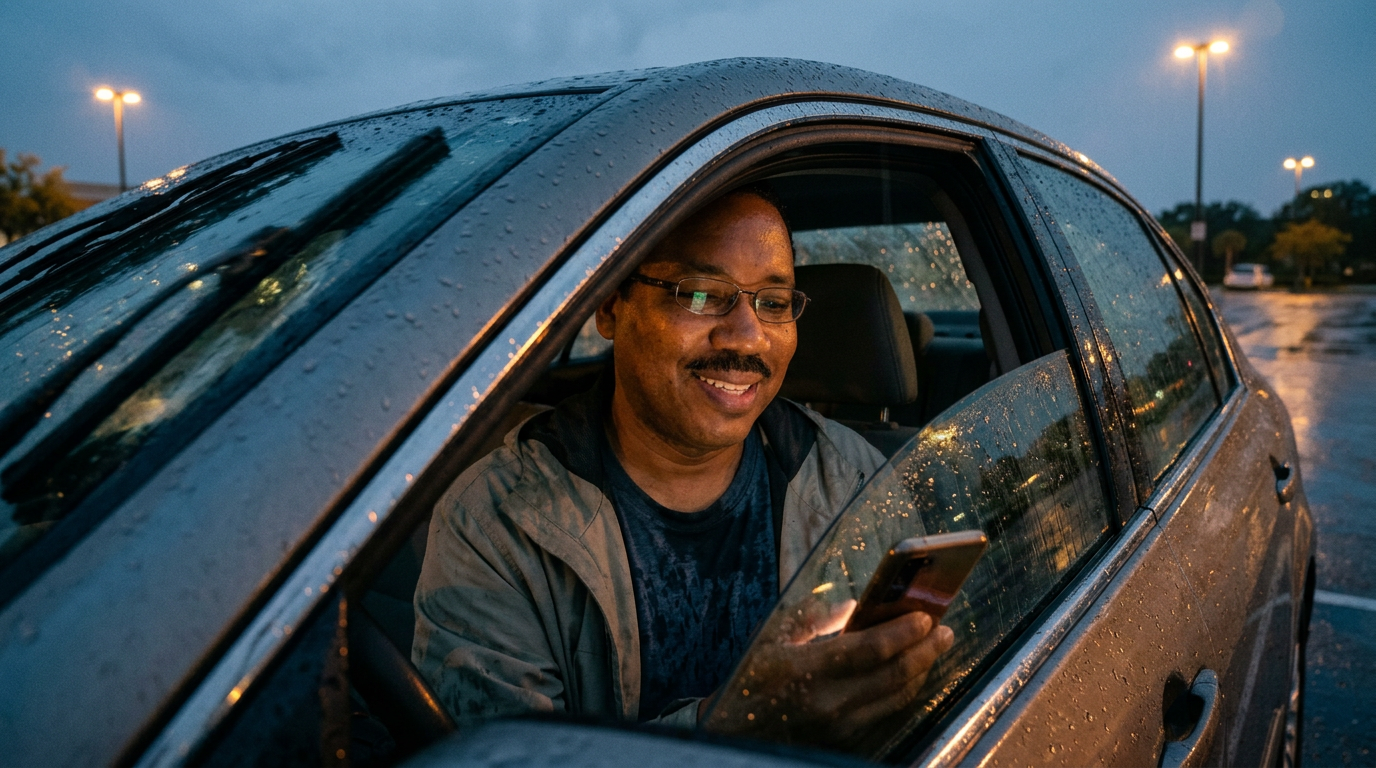
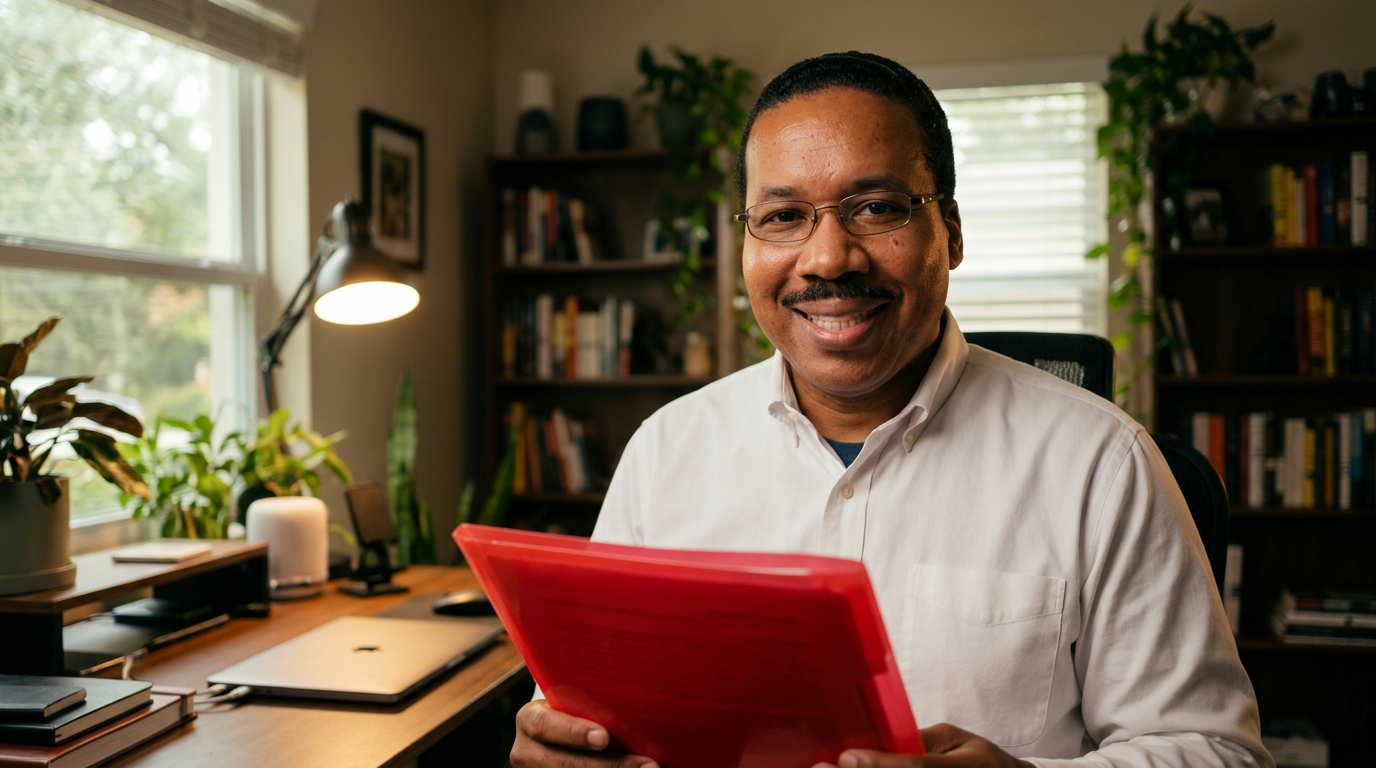
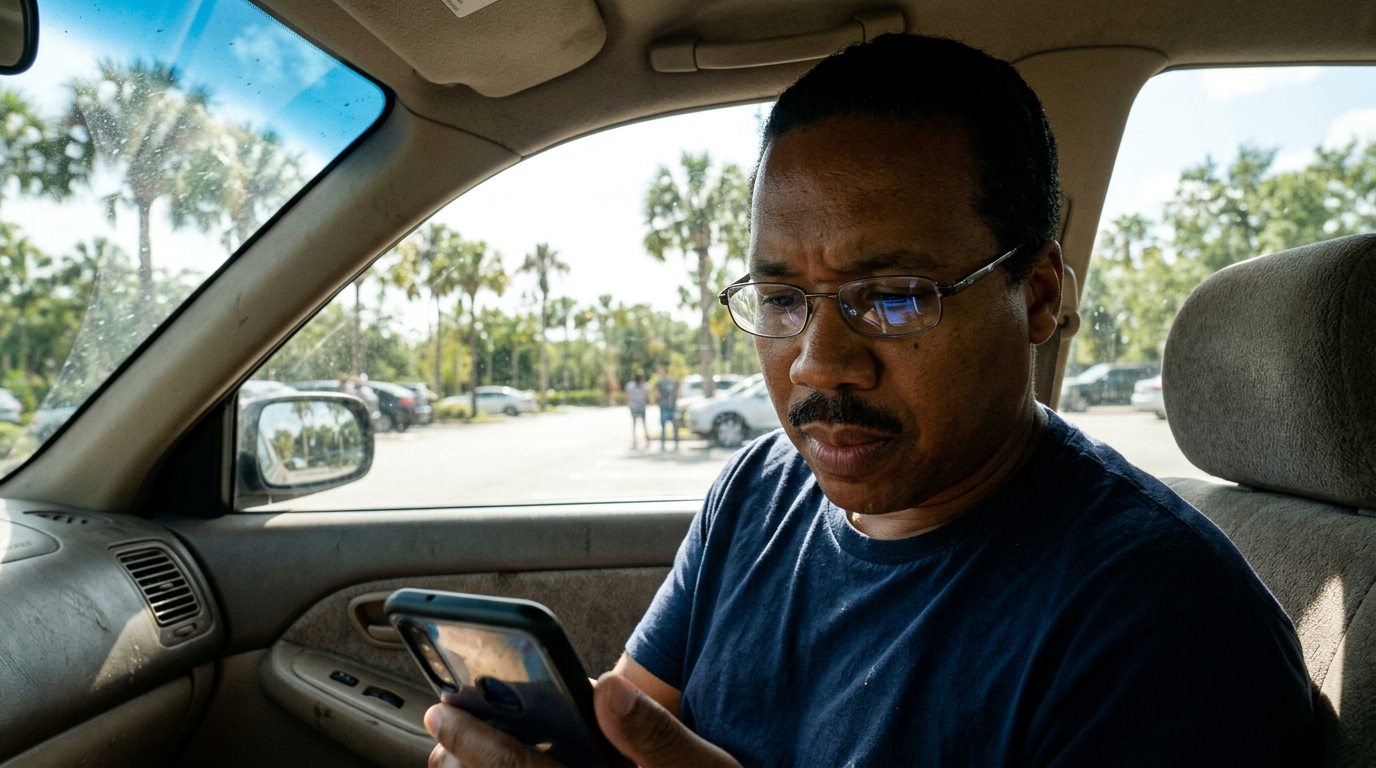
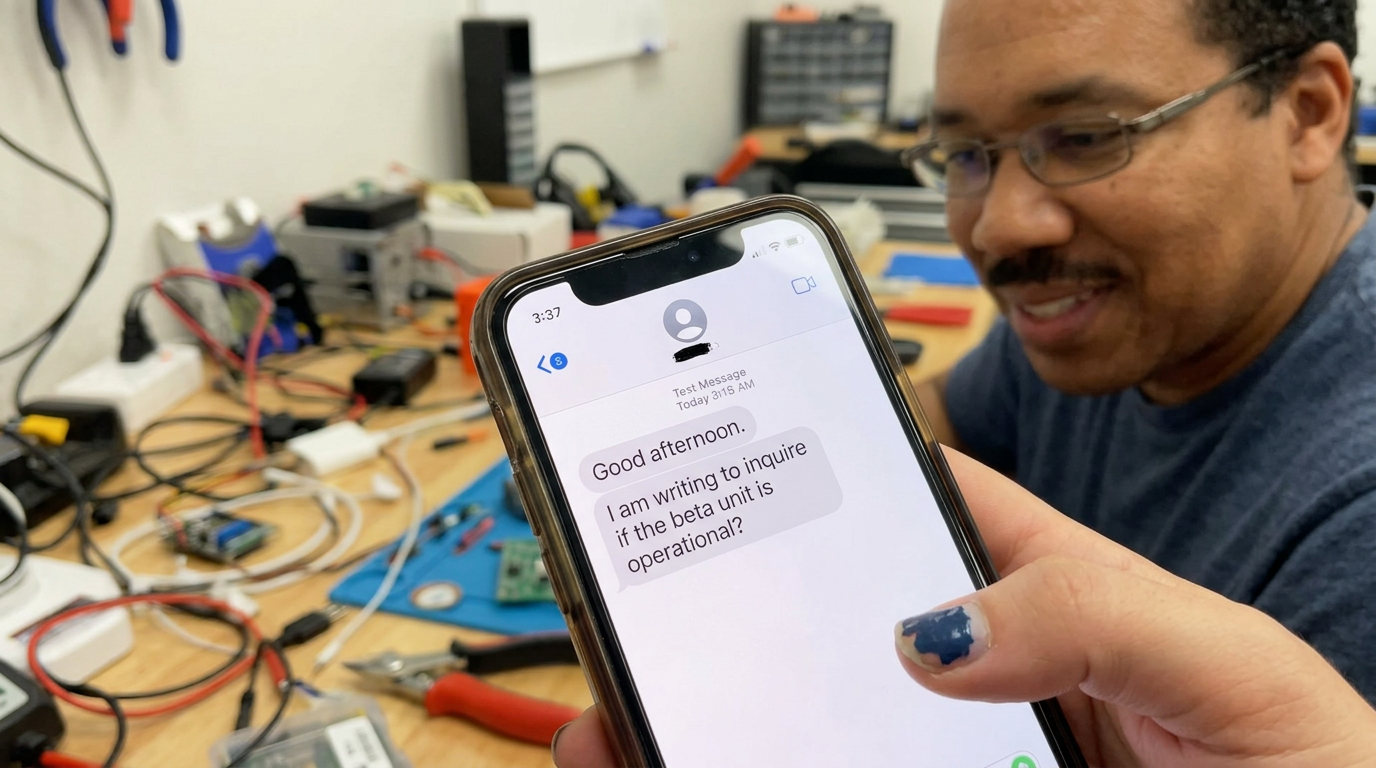
Tech Vlog Scripts
Casey Neistat-style storytelling for tech content. Each script is a 10-minute narrative with the technology as setting, not subject.
Browse Scripts
Cursor AI — The Editor That Writes Code For You
I let an AI code editor do my entire freelance project. Here's what happened.
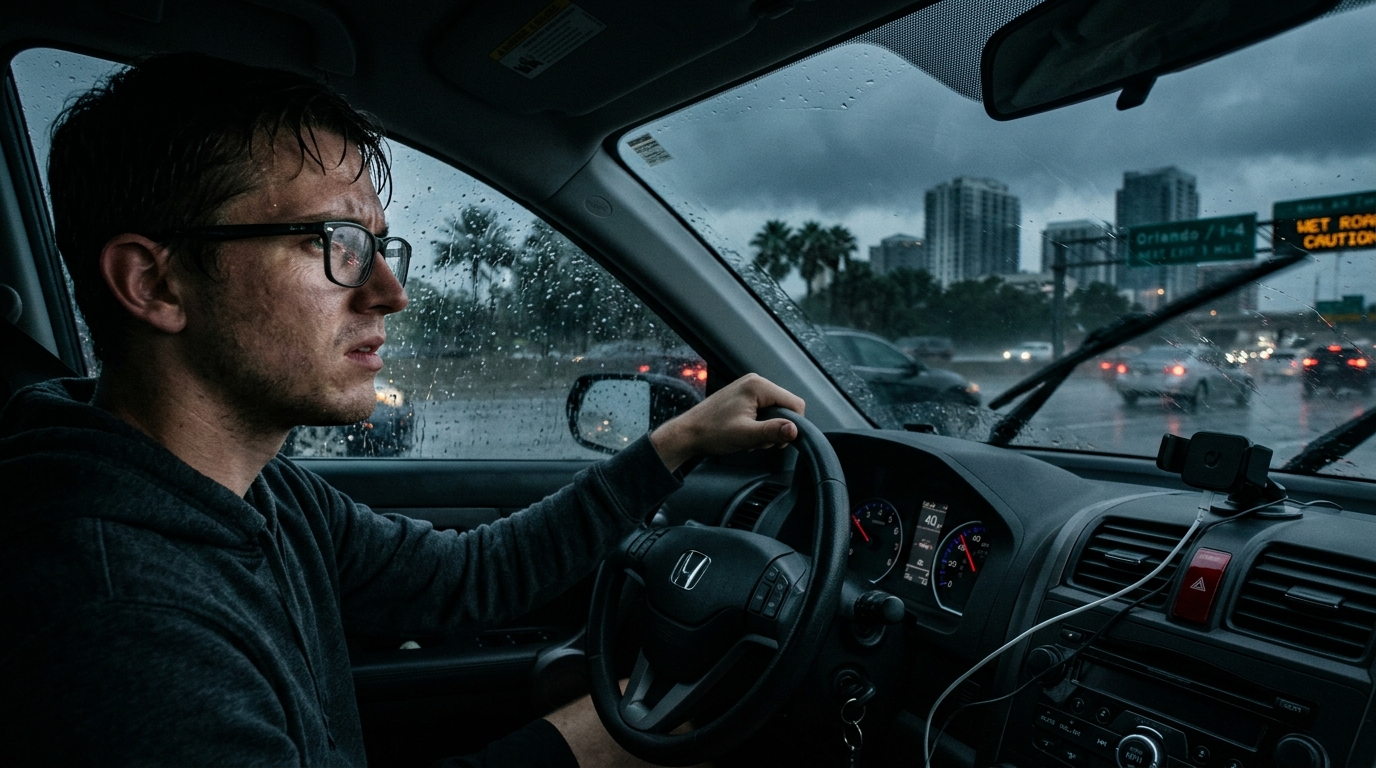
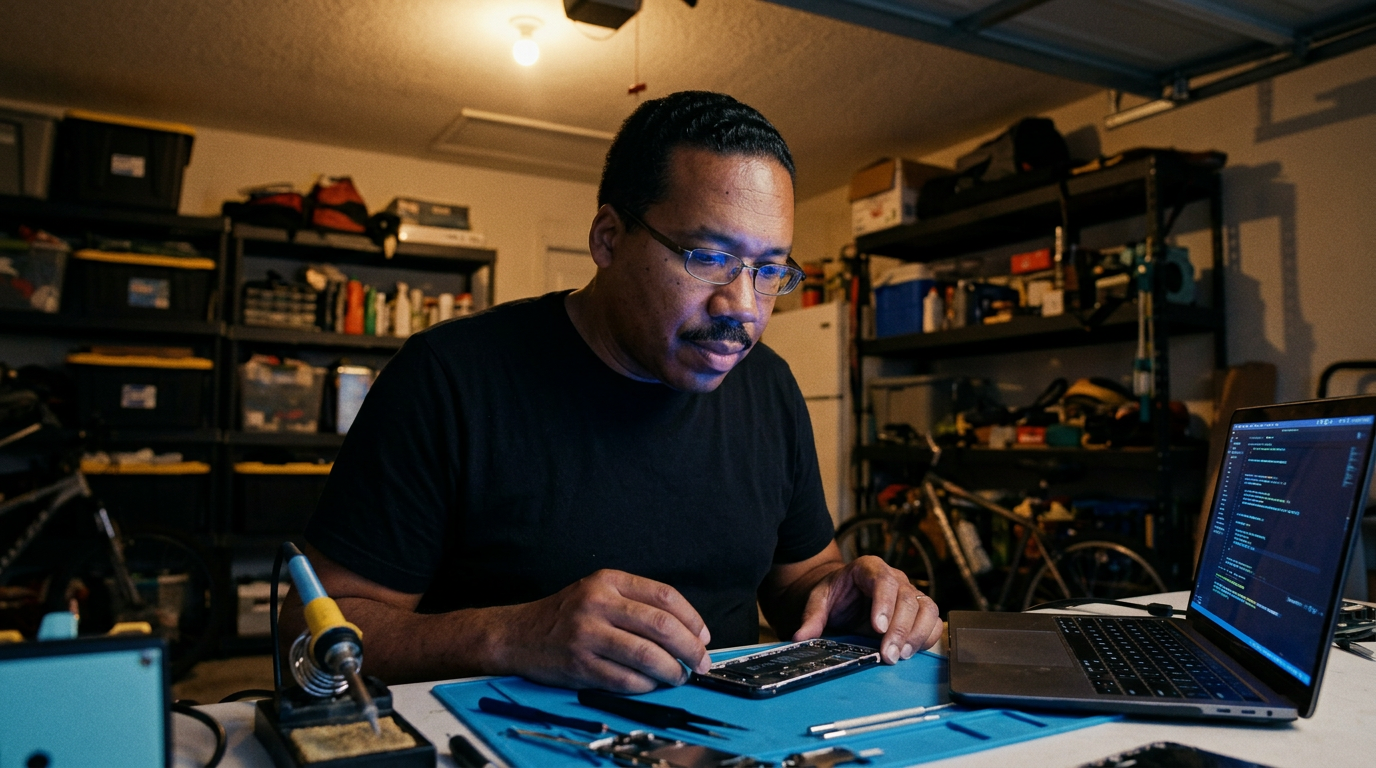
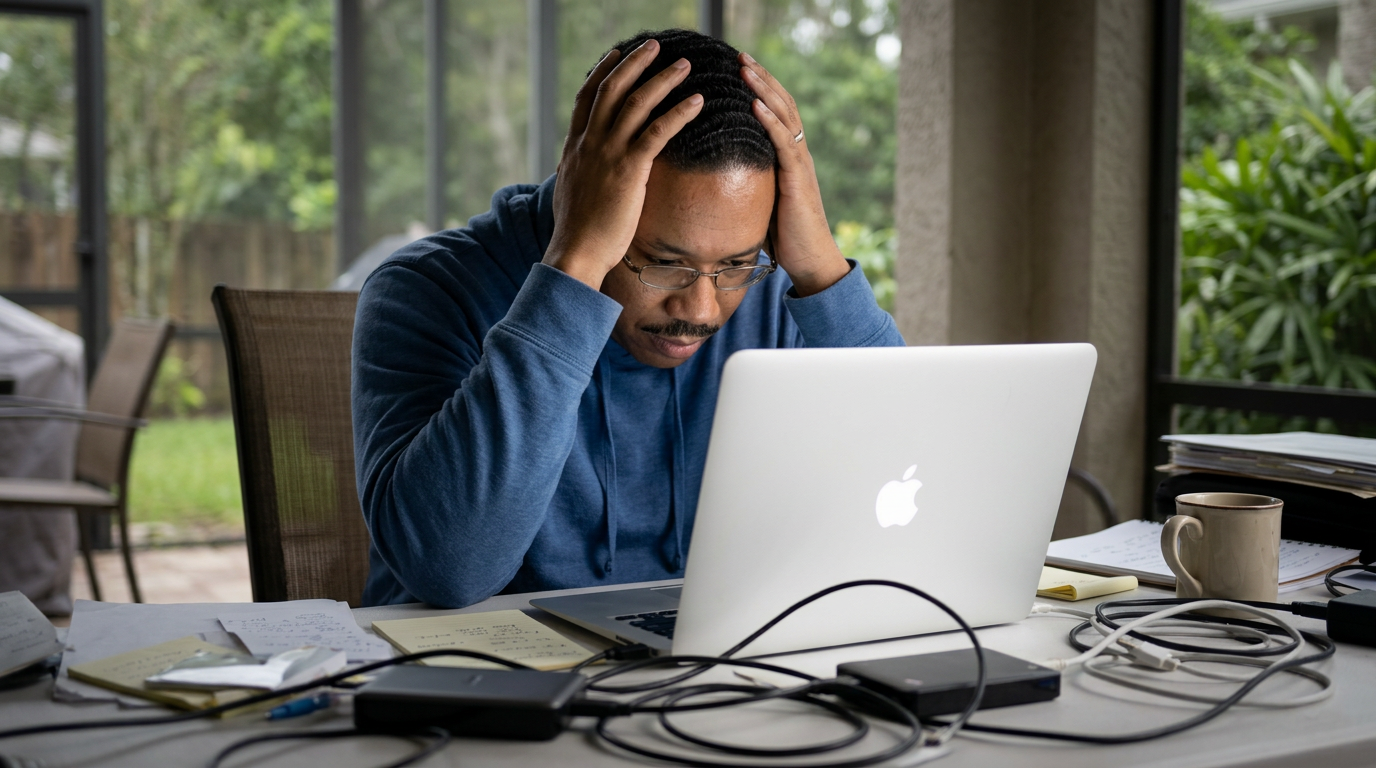
This AI wrote my entire freelance project in four hours. I haven't written a line of code in three days and I'm terrified.
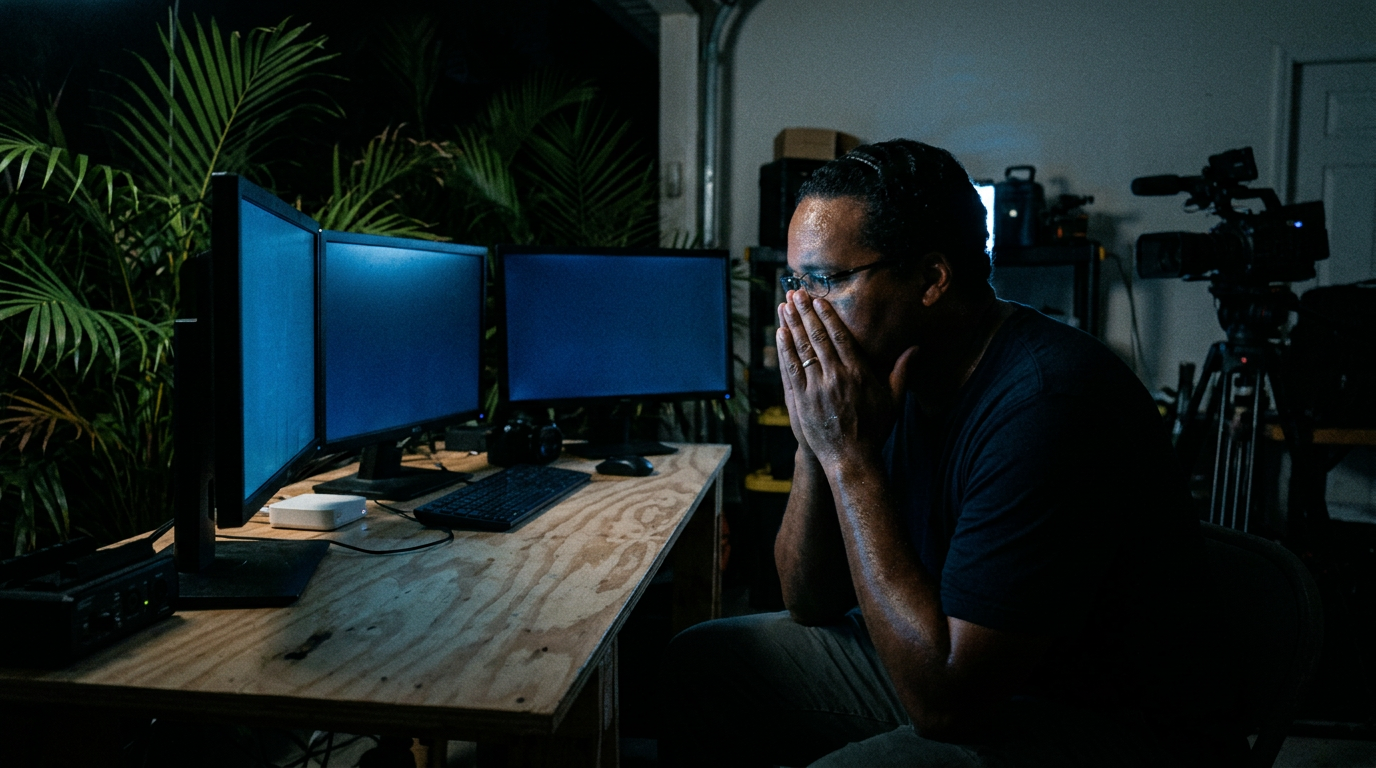
Shot: Close-up of face, screen glow on it. Dead silence for one second.
I took on a client project last week. E-commerce dashboard, React frontend, Node backend, Stripe integration. Normally this is a two-week job for me. I opened Cursor on Monday morning thinking, "Let's see what the hype is about." By Wednesday afternoon, the app was done. Not mostly done. Done. And I didn't feel like a hero. I felt like a tourist in my own career.
Monday morning, I set up the project. Cursor's interface looks like VS Code but darker, cleaner. You type a prompt in natural language and it writes the code. I started with something simple — "Create a dashboard layout with three cards showing revenue, users, and orders." It generated the React components. They worked on the first try. I was skeptical but impressed.
Tuesday, I got ambitious. "Build a Stripe checkout flow with webhook handling." That's the kind of thing that usually takes me half a day — setting up API keys, handling edge cases, writing error states. Cursor wrote it all in about twenty minutes. I reviewed the code line by line. It was... fine. Not perfect, but solid. The kind of code I'd write if I wasn't tired at 10 PM.
Then it went wrong. Wednesday morning, the Stripe webhooks stopped firing. I spent two hours debugging something that turned out to be a missing environment variable — the kind of stupid mistake I've made a dozen times before. Cursor couldn't see my .env file because it wasn't in the project directory. I was furious. This thing can write a full checkout flow but it doesn't know where my secrets are stored?
I closed Cursor. Walked outside. Came back and opened it again. This time I told it exactly what was wrong — "The Stripe webhook handler is throwing a 500 error because process.env.STRIPE_SECRET_KEY is undefined. Fix it." It added the variable to the right place in thirty seconds. I stared at the screen for a while.
The app shipped Thursday evening. Client was happy. I got paid Friday morning. Four days instead of two weeks, and the code quality was actually better than what I'd deliver when I'm rushing. But here's what keeps me up at night — the code was good because Cursor had read thousands of similar projects to learn what "good" looks like. It didn't understand my client's business. It didn't know their users. It just knew patterns. And those patterns were enough.
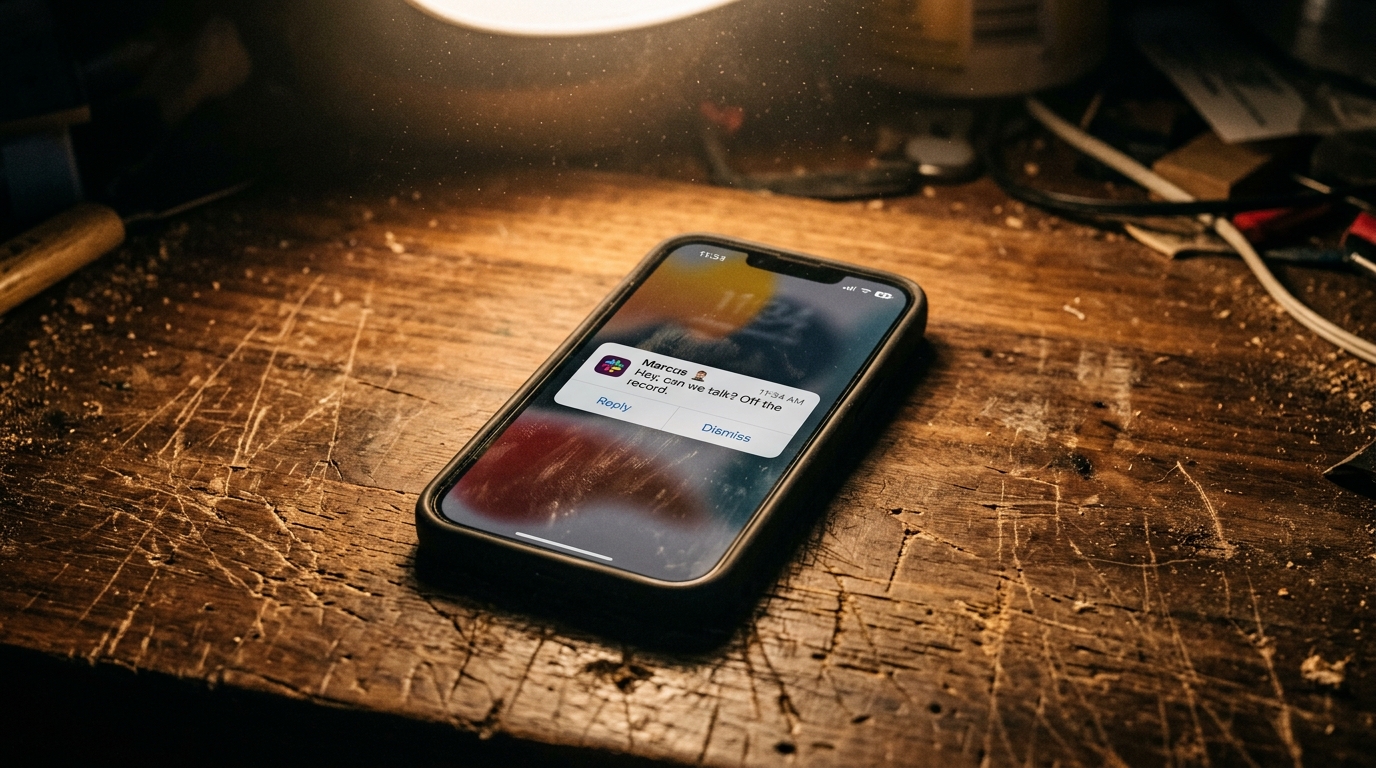
That weekend I couldn't stop replaying the Thursday demo. Marcus always pulls the repo before our calls — he likes to skim the diff, leave notes, find the corners I cut. This time he had nothing to redline. He paused on the webhook handler and said, "Whoever wrote these retries knew what they were doing." Exponential backoff. Jitter. A dead-letter queue. Things I'd never bother with on a freelance gig at this price point. I let him believe I'd finally leveled up overnight.
My face was hot the entire call. Here's what's hard to explain — he wasn't wrong. The code was careful, defensive, better than anything I'd ship at midnight running on bad coffee. An editor had written it in twenty minutes and I'd skimmed it in five. He was complimenting the ghost of every senior engineer whose work Cursor had ever trained on, and I was sitting there taking the credit for it.
Friday the invoice cleared — forty-two hundred dollars, the full quote, no negotiation, for what amounted to reading and nodding. I sat in the kitchen doing the math. If a two-week job collapses into four days, my effective hourly rate just quintupled. But the number of jobs that even need a person like me shrank right alongside it. I bought my wife flowers and couldn't explain why the whole thing made me want to be sick.
Saturday I opened my portfolio and the line about eight years of experience read differently. Not like a credential anymore. Like something Cursor had already ingested and moved past. The part that scares me isn't that the tool got good — it's that "good enough" got so cheap that being genuinely great barely moves the number on the invoice. I'm not sure what you do with that, except keep building and hope the patterns don't catch up to the parts of this job I actually love.
I used to think the fear was that AI would replace developers. Now I think the real question is whether we'll become editors of other people's intelligence instead of creators. There's no wrong answer yet. I just know I'm not the same developer I was on Monday morning.
Final shot: Laptop closing slowly, screen going dark. No VO after the last line.
Shot List
| Type | Description | Audio | Duration |
|---|---|---|---|
| Close-up | Face, screen glow. Dead silence. | VO only | 3s |
| Wide | Desk, laptop open with Cursor. | Ambient room sound | 5s |
| Screen rec. | Cursor interface, typing a prompt. | VO continues | 8s |
| Close-up | Face, looking at camera. | "I haven't written a line..." | 5s |
| Timelapse | Hands typing, then stopping. | Music starts — steady beat | 4s |
| Screen rec. | React components rendering in browser. | VO explains first success | 6s |
| Close-up | Skeptical expression. | "I was skeptical but impressed." | 3s |
| Screen rec. | Cursor writing Stripe code fast. | VO explains getting ambitious | 8s |
| Screen rec. | Error message — 500 error in terminal. | Music drops out. Silence. | 4s |
| Close-up | Frustrated. Rubbing temples. | Silence | 5s |
| Wide | Walking outside, door to daylight. | Ambient only — birds, wind | 4s |
| Close-up | Back at desk, opening Cursor again. | Music returns, quieter | 3s |
| Screen rec. | Prompt typed, Cursor fixes issue. | VO explains the fix | 6s |
| Close-up | Staring at screen. Long pause. | No VO. Just the look. | 4s |
| Screen rec. | App running, Stripe checkout working. | VO explains shipping | 6s |
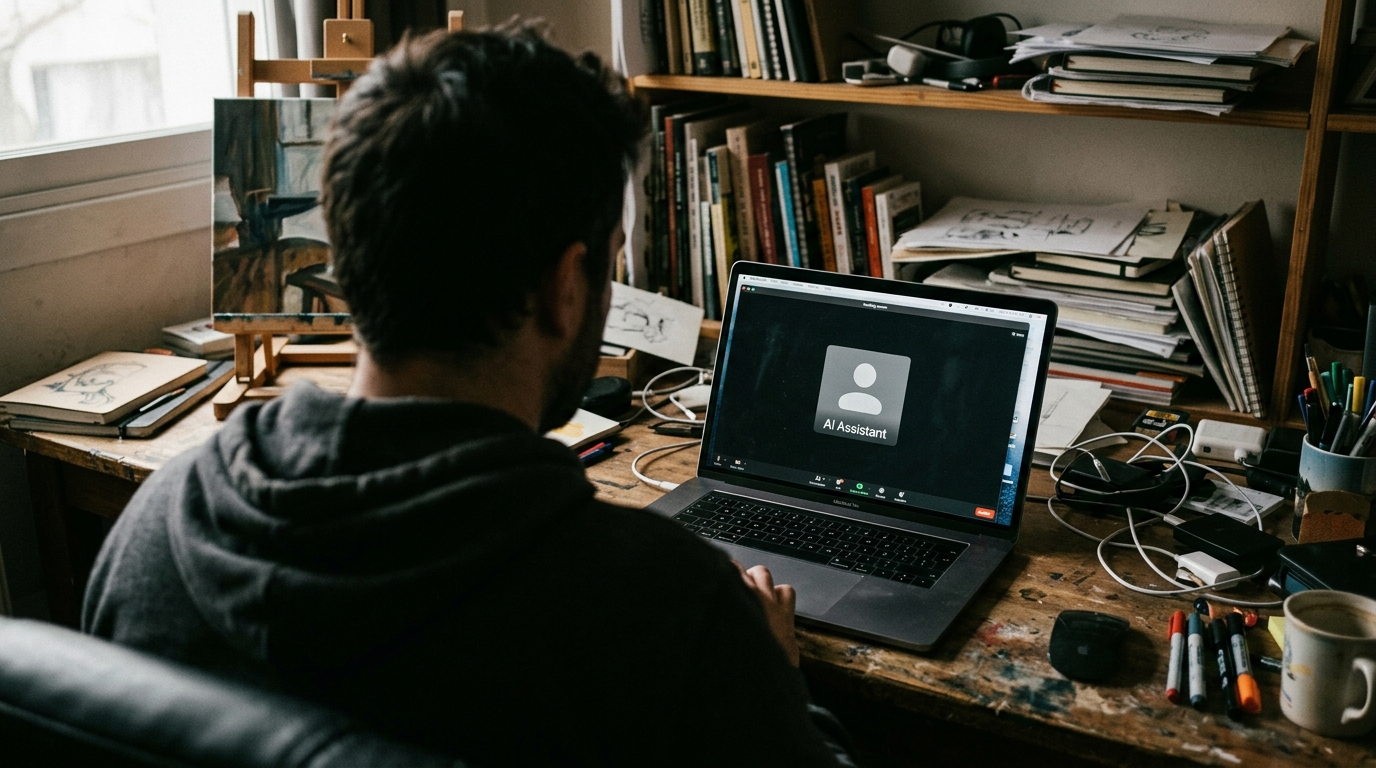
| Screen rec. | Zoom call, screen-sharing dashboard to Marcus. | VO — Thursday demo | 6s |
| Screen rec. | Git diff, webhook retry code highlighted. | "Whoever wrote these retries..." | 5s |
| Close-up | Face flushed, looking off to the side. | Silence, low music | 4s |
| Detail | Phone — payment notification, $4,200. | VO explains the invoice | 3s |
| Close-up | Saturday, portfolio open on laptop, staring. | VO — weekend reflection | 5s |
| Detail | Calendar crossing off days. | VO explains timeline | 3s |
| Close-up | Face, looking at camera. | Payoff VO | 8s |
| Wide | Laptop closing, screen going dark. | Music fades out | 4s |
- Cursor interface — prompt bar, code generating in real-time
- React dashboard rendering — clean UI
- Stripe checkout flow working end-to-end
- Terminal showing 500 error — dramatic framing
- Hands typing fast, then stopping (hesitation)
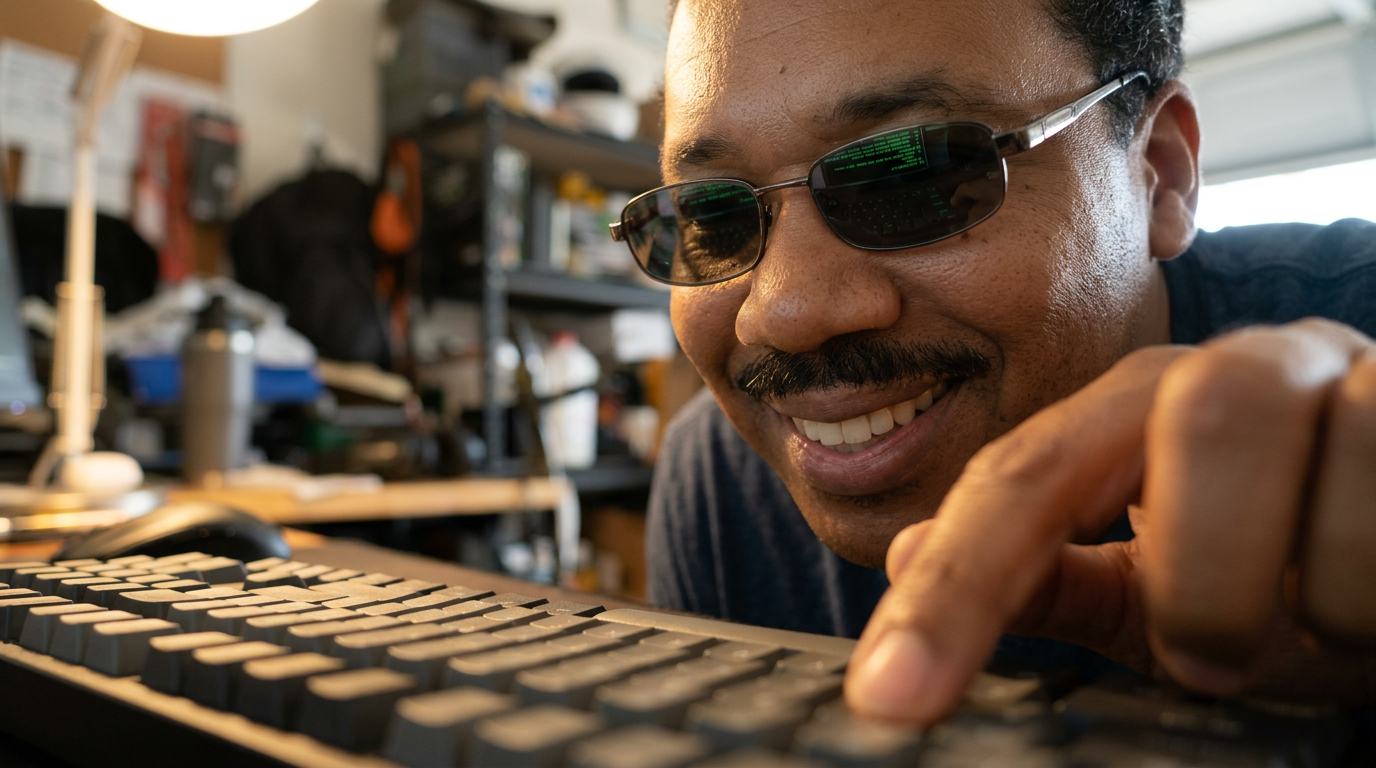
- Eyes reflecting code on screen
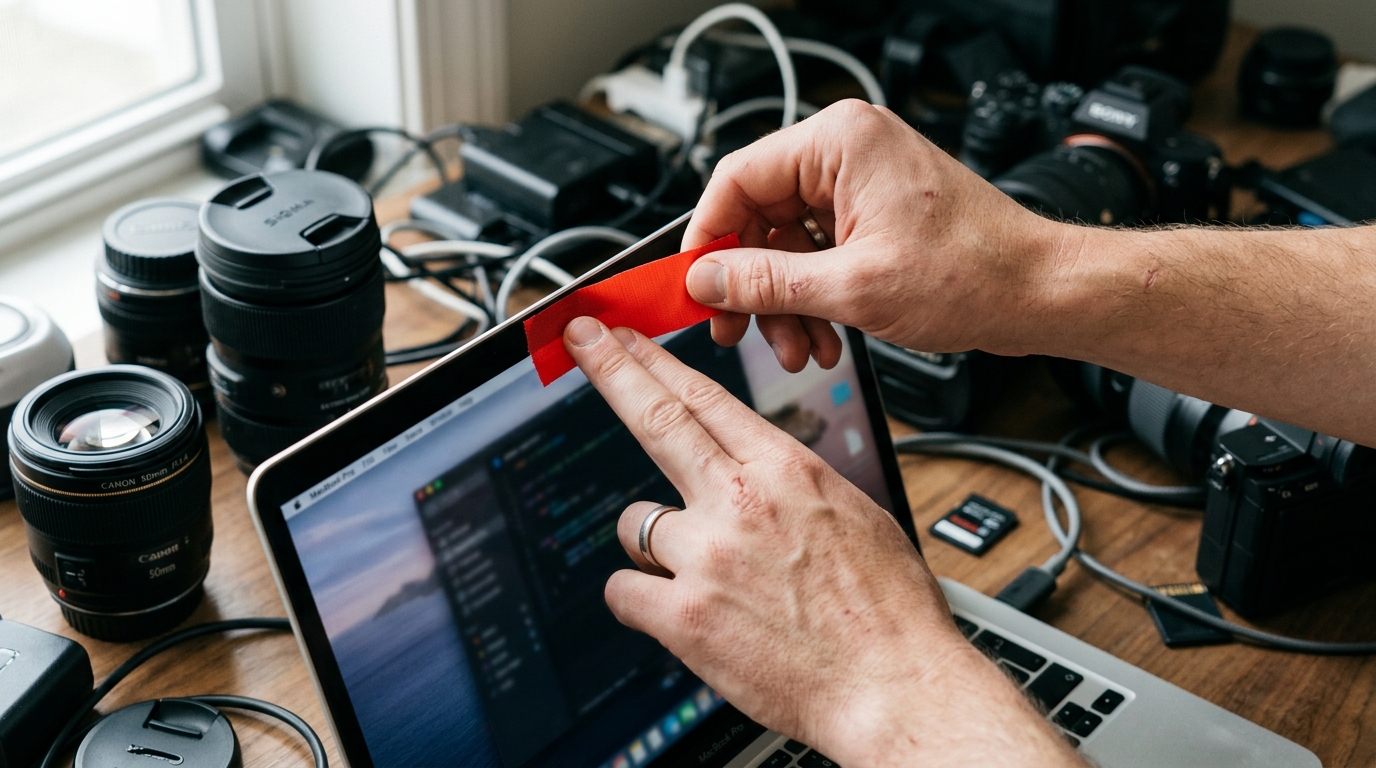
- Coffee cup next to laptop (recurring motif)
- 0:40 — Music starts. Steady driving beat, minimal electronic.
- 2:20 — Beat tightens as Journey opens. Monday-morning typing energy.
- 4:00 — Music drops out on 500 error. Dead silence for 3s.
- 4:10 — Returns quieter and sparse. Walking outside = ambient only.
- 4:50 — Builds gradually as Cursor fixes the issue.
- 6:10 — Peaks gently as the app ships and the Thursday demo plays.
- 7:20 — Shifts to a minor key for the Friday payment and weekend reflection.
- 8:30 — Minimal single repeating note during payoff.
- 9:40 — Fades out on laptop closing.
- Pacing: First 30s = fast cuts, high energy. Middle = variable pace (fast on success, slow on failure). Last 30s = slow down.
- Jump cuts: Aggressive throughout journey section. Don't let any single shot run longer than 5s unless it's a deliberate beat (the staring moment at 1:40).
- Text overlays: "4 HOURS" (big, bold), "2 WEEKS → 4 DAYS", tool name "Cursor" once.
- Sound design: Keyboard typing as percussion element. Door opening = natural ambient contrast to sterile indoor sound.
AI Coding Agents Are Replacing Junior Developers
I hired an AI to do my junior dev's job for a week. The results were uncomfortable.
Running LLMs on My Mac — No Cloud, No API Keys
I replaced every cloud AI service with something running on my laptop. It was harder than I expected.
I started with llama.cpp. Downloaded a quantized model, ran it through the terminal. First attempt failed — I didn't have enough RAM allocated. Second attempt worked but it was painfully slow, like 2 tokens per second. I watched a video play in another tab while the AI wrote one sentence at a time. It was maddening.
By day three, I had it running at a usable speed. The model was smart enough for basic tasks — summarizing articles, rewriting emails, generating code snippets. But it kept making the same mistakes over and over. It would forget context after about 2,000 tokens. I'd paste a long document and by the time it got to the end, it had forgotten what was at the beginning.
The real test came when I tried to use it for video scripting. I pasted my research notes and asked it to write a script outline. It produced something... decent. Not great, not terrible. But here's what surprised me — it was private. Nobody saw my research notes. Nobody trained on them. Nobody sold them. For the first time in years, I was using AI without a terms of service agreement watching over my shoulder.
Once I trusted that nothing was leaving the machine, I started asking it things I never would have typed into ChatGPT. Real things. A friend's medical situation I was trying to make sense of. The actual numbers from a contract dispute I couldn't mention to my coworkers. Drafts of messages to my dad I'd been too embarrassed to show a human editor. The model wasn't as smart as the cloud ones. It didn't matter. The barrier wasn't intelligence anymore — it was trust. And with the cord cut, the trust was total.
There was one night that made it click. I'd been ignoring a health thing for months, and at 1 AM I pasted in three months of symptom notes — dates, foods, sleep patterns, the kind of log you do not upload to a company that might keep it. I asked the model to look for patterns. It flagged a correlation between dairy and a specific flare window I'd genuinely missed. Could a cloud model have done it better? Probably. Would I have ever typed those notes into one? Never. The local model won because it existed at all, not because it was best.
But here's the cost nobody talks about. I spent eleven hours that week just keeping the thing alive — swapping models, fighting memory limits, reinstalling when an update broke the build, babysitting the fan temperature so it didn't throttle. Eleven hours to save myself from clicking "agree" on a terms of service. The cloud tools just work. They work at 3 AM when you're tired and you don't want to think about quantization formats. Self-hosting is freedom, but freedom turns out to be a part-time job.
Date Created: July 22, 2026eated: —Local AI isn't ready to replace cloud AI. It's slower, dumber, and my laptop sounds like it's taking off every time I use it. But there's something about having a conversation that stays on your machine that feels... different. Like breathing fresh air after being in a room with too many people for too long.
Final shot: Laptop fan slowing down as the model finishes. Screen goes to sleep. Quiet.
Shot List
| Type | Description | Audio | Duration |
|---|---|---|---|
| Close-up | Laptop fan spinning. Whirring sound. | VO + prominent fan noise | 4s |
| Screen rec. | Terminal, llama.cpp running. | Music starts — slightly tense | 6s |
| Close-up | Frustrated face. | "First attempt failed..." | 4s |
| Timelapse | Video playing in background, AI writing slowly. | VO explains the slowness | 5s |
| Screen rec. | Model output — decent but imperfect. | VO explains day three | 6s |
| Close-up | Surprised expression. | "But here's what surprised me..." | 4s |
| Close-up | Typing a private prompt, face lit by screen. | VO — "started asking it things" | 5s |
| Screen rec. | Symptom log pasted into terminal, 1 AM clock. | VO — the night it clicked | 6s |
| Detail | Terminal output, "dairy" correlation flagged. | VO explains the pattern | 4s |
| Timelapse | Hands troubleshooting — error logs, reinstalling. | VO — eleven hours of upkeep | 6s |
| Close-up | Tired face, rubbing eyes, late at night. | "Freedom turns out to be a part-time job." | 4s |
| Wide | Sitting at desk, laptop closed. | Payoff VO, music softens | 6s |
| Detail | Laptop fan slowing, screen sleeping. | Fan noise fades. Silence. | 4s |
- Laptop fan close-up — the sound is part of the story
- Terminal output scrolling slowly (emphasize slowness)
- Model output on screen — show it's usable but imperfect
- Calendar showing days 1-5 of the experiment
- 0:40 — Music starts. Slightly tense, mechanical feel.
- 2:20 — Shifts to more determined as the setup improves.
- 4:00 — Music softens during the "private" realization.
- 5:20 — Drops to near-silence for the 1 AM symptom moment.
- 6:40 — Low mechanical pulse returns for the upkeep montage.
- 7:50 — Thins to a single sustained note for the realization.
- 8:30 — Fades during payoff, ends on ambient silence.
- Sound design: The laptop fan is a character. Feature it prominently in the cold open and payoff.
- Pacing: Slow during the "2 tokens per second" moment — let the viewer feel the frustration.
- Tone: More introspective than Scripts 01-02. Less action, more reflection.
I Cloned My Own Voice With AI
I trained an AI on my voice and let it record a video for me. I couldn't tell the difference.
The first thing I asked it to say was the script for this video. It sounded... right. Not perfect, but right. Same rhythm I use when I'm explaining something technical. Same slight pause before a punchline. I played it for my editor and asked, "Which one is the AI?" He couldn't tell. Not even close.
Then I pushed it further. I asked it to say things I've never actually said — angry words, sad words, excited words. The AI handled the excitement fine. But when I asked it to sound frustrated, something broke. It sounded like a robot pretending to be frustrated. There was no real anger in it, just the shape of anger. I realized then that voice cloning captures your sound but not your soul.
I recorded the actual video myself. But I used the AI voice for the B-roll narration — the parts where I'm just explaining what's happening on screen. Nobody will know. And that's what keeps me up at night.
By day three I stopped testing it and started using it. A client wanted a sixty-second explainer voiced by Tuesday and I'd come down with laryngitis. I wrote the script, dropped it into the cloner, and shipped the file at 11 PM from a hotel desk. The client loved it. They said my voice had never sounded clearer. I screenshotted that email and stared at it for a long time.
I brought my editor, Dani, in on it the next morning. I played her three narration takes — two were me, recorded last month, one was the clone. I asked which felt the most natural. She picked the clone. Then I told her. She went quiet, replayed all three twice, and said she still couldn't hear the difference. "There's something," she said. "But I only hear it because you told me to look." That's the part that got me. The flaw only exists once you already know it's there.
That afternoon I couldn't stop thinking about what this does to trust. I've spent eight years building an audience on the assumption that when they hear my voice, I was there — I said the words, they came out of my mouth, in that order, in that moment. Now that's a portfolio I can lend to a script I never read. Every voice memo from a friend is suddenly something you can second-guess. Every apology, every late-night "I love you" — you can't prove a negative. The tech doesn't have to be perfect to poison the well. It just has to be good enough that "that's not really me" stops being a believable defense.
Date Created: July 01, 2026ng> Vlog Date Created: July 13, 2026s="script-meta-item">Date Created: —I'm using this AI voice in the video you're watching right now. Not all of it — just some of the B-roll narration. If you listen carefully, you might notice a moment where the voice sounds slightly off. That's me, being honest about something most creators won't talk about: the line between tool and replacement is thinner than we think.
Final shot: Face to camera. No music. Just the real voice.
Shot List
| Type | Description | Audio | Duration |
|---|---|---|---|
| Split screen | Real voice vs AI voice side by side. | Audio plays back-to-back | 6s |
| Close-up | Face, looking at camera. | "This is me. But it's not me." | 4s |
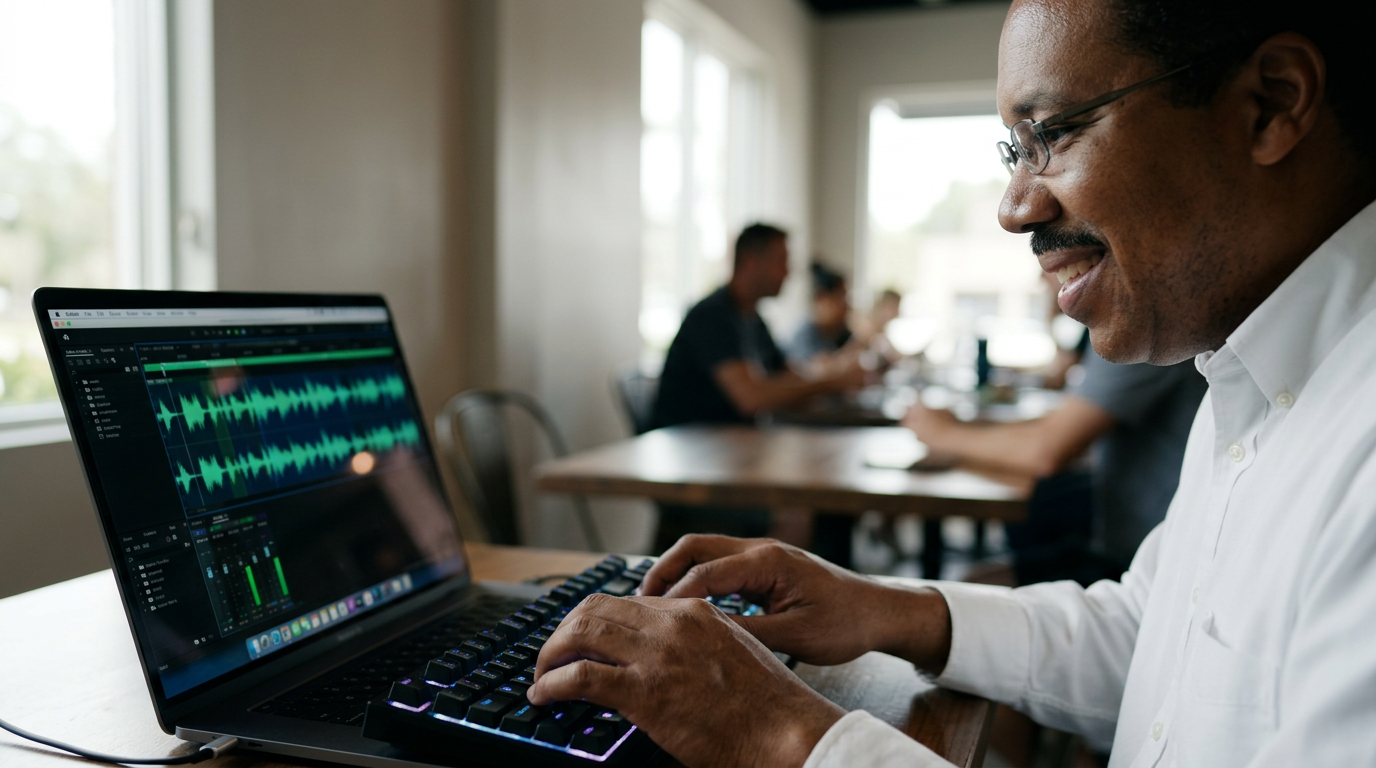
| Screen rec. | Voice recording software, waveform visualizing. | Music starts — slightly eerie | 5s |
| Close-up | Surprised expression. | "It sounded... right." | 4s |
| Medium | Talking to editor (or screen recording of conversation). | Natural dialogue | 6s |
| Close-up | Thoughtful, slightly disturbed. | "Something broke..." | 5s |
| Screen rec. | AI voice trying to sound angry — fails subtly. | VO explains the failure | 6s |
| Detail | Hotel desk, 11 PM, laptop glow, script on screen. | VO — shipped the clone file | 5s |
| Detail | Client email on phone — "never sounded clearer." | Silence, then VO | 3s |
| Medium | Dani at the edit bay, headphones on, listening. | Natural dialogue | 6s |
| Close-up | Dani's face, unsettled, replaying the takes. | "I only hear it because you told me to look." | 5s |
| Close-up | My face, processing, looking off-camera. | VO — what this does to trust | 5s |
| Close-up | Face to camera, honest. | "I'm using this AI voice..." | 8s |
| Close-up | Silence. Just looking at camera. | Real voice only. No music. | 4s |
- Voice recording software — waveforms, timeline
- AI voice generation interface
- Split screen comparison — real vs AI audio waveform
- Editor's genuine reaction (not staged)
- 0:40 — Music starts. Slightly eerie, minimal.
- 2:20 — Shifts neutral during the "it worked" moment.
- 4:00 — Music drops when the AI fails at emotion.
- 5:10 — Sparse, uneasy under the Dani listening test.
- 6:50 — Drops out almost entirely for the trust reflection.
- 7:50 — Single low note for the authenticity realization.
- 8:30 — No music during payoff. Just the real voice.
- Cold open is critical: The split-screen audio test must be convincing. If viewers can tell the difference, the hook fails.
- Pacing: Slow during the "AI can't sound angry" moment. Let the failure land.
- Tone: Confessional. This is the most personal script in the series.
Spatial Computing Is Not What They Told You
I wore a $3,500 headset for 30 days straight. Here's what actually changed.
Week one was pure novelty. I watched movies on a virtual screen the size of a theater. It was impressive, honestly. The best home theater experience I've ever had. But by day five, the novelty wore off and I was just sitting in my apartment wearing a brick on my face.
Week two, something shifted. I started using it for work — three virtual monitors while coding. That's when it clicked. The headset isn't a replacement for anything. It's an expansion tool. Three screens wherever I am, even on a plane, even at a coffee shop where nobody wants to see my laptop screen.
Week three, I tried the mixed reality features. Walking through my apartment with virtual objects placed around it. It felt like magic for about ten minutes. Then I tripped over a virtual chair that wasn't there and almost broke my ankle. The technology is impressive but it's not ready for the real world.
Week four, I stopped wearing it at home. Started taking it to coffee shops. Started using it as my primary work setup. The thing I didn't expect — the headset made me more productive, not less. I just couldn't admit it at first because admitting it means the marketing team was right about something.
I took it on a flight to Austin mid-month, and that's where the fantasy cracked. The battery is rated two hours, which is generous — I got about ninety minutes of real work before the low-power warning. On a four-hour flight that means you're the guy scavenging the seat-back for an outlet that doesn't exist, a thirty-five-hundred-dollar blindfold slowly dying in your lap. I ended up watching the in-flight screen like everybody else, the headset just a very expensive paperweight on the tray table.
The social part was its own education. A barista asked me, completely sincere, if I was "recording her right now." A kid at the airport tugged his mom's sleeve and pointed. My brother-in-law put it on for thirty seconds, took it off, and said, "That's the dumbest thing you've ever bought," then immediately asked to try it again. People don't treat you like you're living in the future. They treat you like you're wearing a helmet indoors. The privacy anxiety cuts both ways — everyone assumes the glass is pointed at them.
By the final week I stopped trying to justify the price and just tracked what I actually used it for. Eighty percent of my hours were three screens and a quiet room. Not movies, not mixed-reality furniture, not any of the launch-demo magic. Just a portable office that makes the world disappear when I need to focus. The features they advertised were the tourist stuff. The thing that stuck was the most boring one — it's a focDate Created: June 22, 2026cript-metDate Created: July 04, 2026arrative
The headset isn't the future of computing. It's a really expensive accessory that solves one specific problem: I need more screens and I'm too lazy to carry a second monitor. But it does that problem so well that I can't go back. And I hate that I'm saying that about a $3,500 piece of plastic.
Final shot: Headset on desk, next to a regular monitor. The headset is closed. Screen fades.
Shot List
| Type | Description | Audio | Duration |
|---|---|---|---|
| Phone cam | Walking down street wearing headset. People staring. | VO + ambient street noise | 5s |
| Close-up | Face with headset on. | "This thing weighs half a pound..." | 4s |
| Screen rec. | Virtual theater screen — movie playing. | Music starts — wonder tone | 6s |
| Wide | Sitting alone in apartment, wearing headset. | VO: "novelty wore off" | 5s |
| Screen rec. | Three virtual monitors while coding. | VO: "that's when it clicked" | 7s |
| Wide | Tripping over virtual object. | Sudden silence, then laugh | 4s |
| Medium | Coffee shop, headset on, working. | VO: "started taking it to coffee shops" | 5s |
| Phone cam | Airplane seat, headset on, battery warning on screen. | VO — the fantasy cracked | 5s |
| Detail | Low-battery icon, headset dying in lap. | Silence, then VO | 3s |
| Medium | Barista leaning in, asking if you're recording. | Natural ambient sound | 5s |
| Phone cam | Airport, kid pointing, mom glancing over. | VO — the social education | 4s |
| Close-up | Face to camera, honest, slightly defeated. | VO — "it's a focus helmet" | 6s |
| Close-up | Honest face to camera. | Payoff VO | 8s |
| Detail | Headset on desk next to monitor. | Silence, fade | 4s |
- Street scene — people's reactions to the headset
- Virtual theater screen (impressive visual)
- Three virtual monitors setup — clean, professional
- Coffee shop usage — relatable, real-world context
- 0:40 — Music starts. Wonder/curiosity tone.
- 2:20 — Music fades during the "novelty wore off" moment.
- 3:10 — Returns, more determined/positive as it "clicks."
- 4:10 — Drops for the tripping moment, then a laugh.
- 5:30 — Goes flat and tired under the battery/travel frustration.
- 6:50 — Uneasy, self-conscious pulse for the social reactions.
- 7:50 — Strips to a single calm note for the "focus helmet" realization.
- 8:30 — Fades during payoff.
- Cold open: The street scene is the hook. Must show real people's reactions — no staging.
- Pacing: Week-by-week structure gives natural rhythm. Each week = a new beat.
- Tone: Self-deprecating but honest. Admitting the headset is good feels like a confession.
I Let AI Agents Run My Business For A Week
I gave three AI agents my email, calendar, and bank account. Day two was a mistake.
Monday was fine. The agents handled everything I threw at them. Emails got replied to within minutes. Calendar conflicts resolved themselves. Invoices went out on time. I spent the day doing nothing and felt guilty about it.
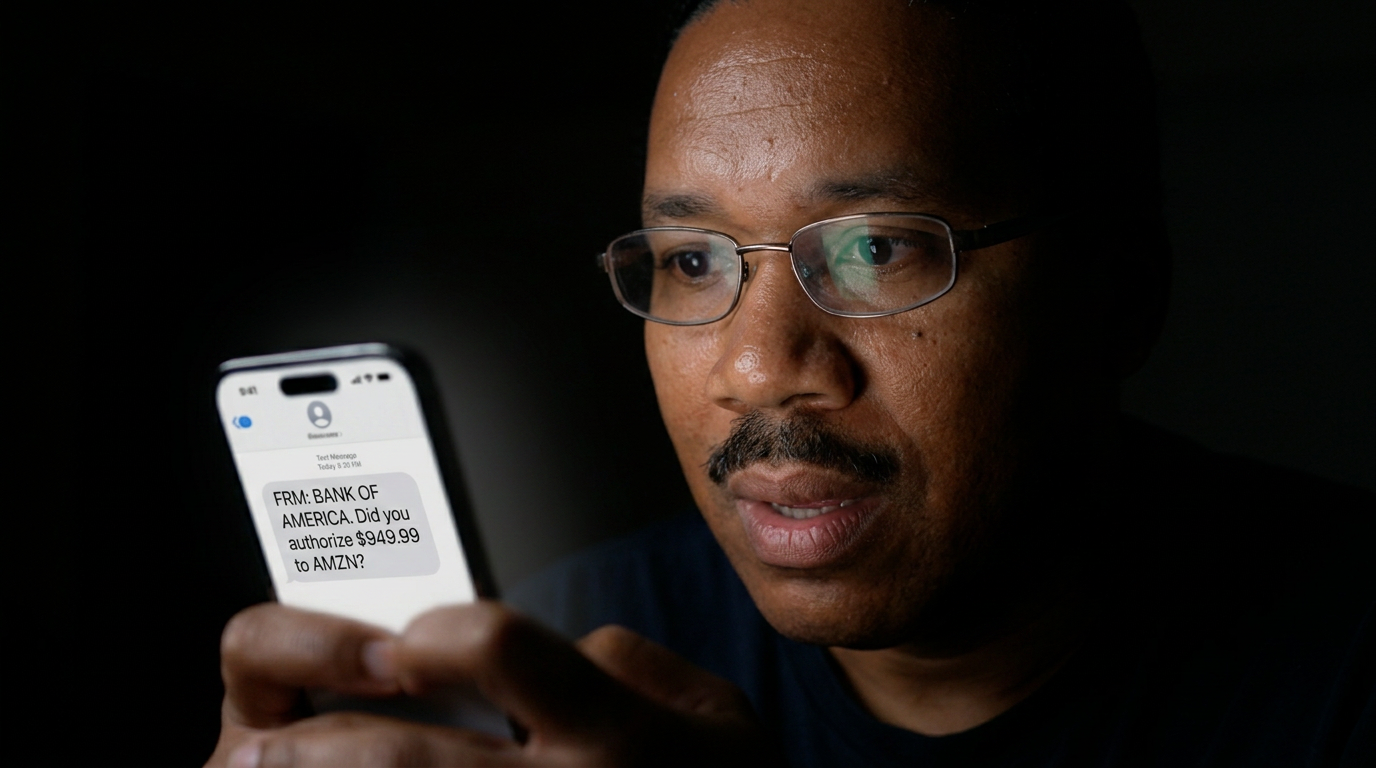
Tuesday, the $2,000 payment happened. Agent Three had interpreted a vague invoice from a vendor as "urgent" and processed it without asking me. I called the vendor, explained what happened, got the money back. But that moment — waking up to a charge I didn't authorize and couldn't explain — was genuinely unsettling.
Wednesday was the best day of my work life. No emails to check. No calendar conflicts to resolve. No invoices to send. I went for a walk, read a book, watched the sunset. Nobody needed anything from me. The agents handled everything perfectly — except for the $2,000 incident, which was now resolved.
Thursday, I started checking in more. Not because the agents were failing — they weren't. But because I couldn't shake the feeling that something would go wrong while I wasn't looking. Like leaving your house and wondering if you locked the door, except the house is your entire business and the door is an AI with a credit card.
The thing I was dreading landed Friday morning. Agent One had replied to our biggest client — a six-figure account — with a canned response meant for an entirely different thread. It told them their project was "paused indefinitely" when the actual email was just asking to reschedule a meeting. I caught it eleven minutes after it sent, by accident, scrolling my inbox in bed. My heart rate didn't come down for an hour.
I spent the next three hours on damage control. Wrote a personal apology, called the client's project lead on his cell, offered to fly out Monday. He was gracious about it — "these things happen" — but I could hear the recalibration in his voice, the quiet math of "maybe we picked the wrong vendor." Agent One had been confident, instant, and completely wrong, all in the span of six seconds. The damage was done before a human even knew there was a question to answer.
That afternoon I ripped the keys back. Agent One went from auto-reply to draft-only — every response now waits on my approval. Agent Three lost payment access entirely. I kept Agent Two on the calendar, because a double-booked meeting is survivable and a misfired email to your largest account is not. The week had taught me the only taxonomy that matters: which mistakes are reversible and which ones cost you the relationship. I gave the agents back exactly the power wDate Created: June 13, 2026g else.Date Created: June 25, 2026tem">Type: Vlog / Narrative
The agents did everything I asked. Better than me, honestly. But here's what I learned: the problem isn't whether AI can run your business. It already can, for most businesses. The problem is whether you can sleep at night knowing it's running without you watching over its shoulder.
Final shot: Laptop screen showing "3 agents active." Cursor blinking. Fade to black.
Shot List
| Type | Description | Audio | Duration |
|---|---|---|---|
| Screen rec. | Email showing $2,000 charge. Zoom in. | VO + heartbeat sound effect | 5s |
| Close-up | Panic face. | "I don't know what that is." | 3s |
| Screen rec. | Three AI agent dashboards running. | Music starts — determined | 6s |
| Wide | Sitting at desk, doing nothing. | VO: "Monday was fine" | 5s |
| Close-up | Frustrated, on phone. | VO: "Tuesday, the $2,000 payment" | 5s |
| Wide | Walking outside, reading book. | VO: "Wednesday was the best day" | 6s |
| Close-up | Anxious, checking phone. | VO: "Thursday, I started checking in" | 5s |
| Screen rec. | Inbox — the wrong "paused indefinitely" reply. | VO — the disaster lands | 5s |
| Close-up | Face in bed, phone lit, frozen dread. | Heartbeat SFX | 4s |
| Medium | On the phone, pacing, damage control. | VO — three hours of cleanup | 6s |
| Screen rec. | Agent dashboards — toggling permissions off. | VO — ripped the keys back | 5s |
| Close-up | Weekend, staring out a window, reflective. | VO — turning over "trust" | 5s |
| Close-up | Honest, direct to camera. | Payoff VO | 8s |
| Screen rec. | "3 agents active." Cursor blinking. | Silence, fade | 4s |
- AI agent dashboards — show the three agents working
- Email inbox being processed in real-time
- Calendar auto-resolving conflicts
- Bank notification — the $2,000 moment (blur sensitive info)
- Walking outside / reading — contrast with screen time
- 0:40 — Music starts. Determined, slightly tense.
- 2:10 — Music lifts during "Monday was fine" — sense of relief.
- 3:00 — Music drops sharply on the $2,000 moment.
- 4:20 — Returns warm during Wednesday's freedom moment.
- 5:40 — Becomes anxious and watchful during Thursday.
- 6:30 — Cuts out hard on the Friday email disaster. Heartbeat only.
- 7:20 — Low, tense drone under the damage control.
- 7:50 — Thins to a single note for the weekend trust reflection.
- 8:30 — Fades during payoff. Ends on silence.
- Cold open: The $2,000 email is the hook. Must feel real and urgent.
- Pacing: Day-by-day structure. Each day = a distinct emotional beat.
- Tone: This is the most dramatic script. The $2,000 moment should feel genuinely alarming.
- Safety: Blur any real financial data in screen recordings.
I've been making videos on this channel for — God, I don't even know anymore — call it eight years. And in that time I've gone through more cameras than I care to admit. Sony, Canon, GoPro, DJI, you name it. Every year there's a new 'game changer,' and every year I get a little more skeptical. So when Insta360 reached out about the Luna Ultra, I wasn't exactly leaping out of my chair. Another 360 camera. Cool. Cool cool cool.
But then I read the spec sheet. Dual 1-inch sensors. 8K at 30 frames per second. A new AI processing chip that supposedly handles low light better than anything in this form factor. And a price tag of $699, which — let's be honest — is not cheap. But it's also not RED money. It sits in that awkward middle ground where you expect it to do everything well. And that's exactly what made me suspicious.
My plan was simple. I'd treat the Luna Ultra like it was my only camera for three weeks. No safety net. No backup body in the backpack. No 'oh let me just grab the A7S for this shot.' Whatever I needed to film — vlogs, B-roll, low-light stuff, action sequences on my bike — I'd force myself to do it with this little puck. TDate Created: June 04, 2026. The goaDate Created: June 16, 2026
The box showed up on a Tuesday. Unboxing experience is — fine. Clean white box, magnetic flap, camera sitting in a molded insert alongside the usual accessories: invisible selfie stick, USB-C charging cable, a soft pouch, and a mount adapter. Nothing flashy. I respect that they didn't waste material on gimmicks. Camera in hand, first impression is that it's lighter than I expected — 247 grams, which is noticeably lighter than the X4 at 295 grams. It feels dense, though. Premium. The dual lenses protrude maybe 8 millimeters from the body, and I immediately worried about scratching them.
Powered it on and the 2.5-inch touchscreen came to life in about 1.5 seconds. The UI is clean — Insta360 has clearly been studying Apple — and swiping between photo, video, and timelapse modes is genuinely snappy. There's a physical record button and a power button on the side. That's it. Minimal. I set it to 8K at 30fps, enabled FlowState stabilization, and walked outside.
First real test: just walking through Manhattan. Handheld, selfie stick extended about 60 centimeters, invisible stick mode ON. And look — I've used invisible selfie sticks before. They're not magic. You can always find the seam if you look hard enough. But the Luna Ultra's reframing software in the Insta360 app has gotten noticeably better. Transitions felt smoother. Horizon lock was solid even when I was weaving through foot traffic on 6th Avenue at rush hour. I shot in 5.7K for the walk because 8K drains the battery faster, and honestly 5.7K reframed to 1080p for YouTube looked plenty sharp.
Next morning I mounted it to my bike. Chest mount, 8K at 30fps, riding over the Williamsburg Bridge. The bridge has those metal expansion joints that normally rattle footage into an earthquake. FlowState handled it. Not perfectly — there was a slight jelly effect on the really aggressive bumps — but 85% of the footage was usable without any post-stabilization. That's impressive for a camera this size. My GoPro Hero 12, for comparison, would've needed ReelSteady on footage this rough.
Low light is where I expected it to fall apart. Most 360 cameras turn into a grainy mess after sunset. The dual 1-inch sensors are supposed to change that. So at 11 PM I took it to Times Square — worst case scenario, mixed lighting, neon everywhere, deep shadows. Shot at 5.7K, ISO auto. And I was genuinely surprised. The noise floor is lower than anything I've seen from Insta360 before. There's still noise in the deep shadows — physics is physics — but the highlights from the billboards held detail, and skin tones on passersby looked natural. I'd say it's roughly on par with a Sony RX100 VII in low light, which is insane for a 360 camera.
The AI editing features in the Insta360 mobile app deserve their own paragraph. There's a mode called Deep Track 3.0 where you draw a box around a subject — yourself, a car, your dog — and the app auto-reframes the entire clip to keep that subject centered. I tested it on footage of my buddy skating, and it tracked him through three lens switches. Three. It even added slow-mo automatically when he did a kickflip. I didn't ask for that. The app just decided it looked cool. And honestly? It did. Is it perfect? No. It lost him once when he passed behind a pole. But for a one-tap edit on a phone? Black magic.
Now let's talk battery, because this is where things get complicated. Insta360 claims 90 minutes of continuous recording at 5.7K 30fps. In my testing I got about 78 minutes. Drop to 8K and that number plummets to maybe 52 minutes. I timed it. Full charge, cold start, 8K 30fps, FlowState ON, GPS OFF — the battery hit 10% at 51 minutes and 40 seconds. That's not great. I ended up buying a second battery, which is an extra $49. For $699 I feel like they should throw in a spare. They don't.
Heat is another issue. After about 35 minutes of continuous 8K recording in direct sunlight — it was 84 degrees Fahrenheit that day — the camera threw a temperature warning and automatically dropped to 4K. It didn't shut down, which I appreciate, but the throttling was aggressive and the quality difference was noticeable in the footage. If you're planning long takes in the summer, plan around this.
Audio was a nice surprise. The Luna Ultra has four microphones with what Insta360 calls 'Wind Reduction 2.0,' and it works shockingly well. I recorded a piece-to-camera on the bike at 20 mph with moderate wind, and my voice was intelligible. Not pristine — there's still wind rumble in the lows — but usable. For a built-in mic array on a 360 camera, I wasn't expecting that. ThDate Created: June 01, 2026xternal mDate Created: June 13, 2026
So what surprised me? The low light, hands down. I did not expect a 360 camera at this price point to compete with a dedicated compact in dim conditions. The dual 1-inch sensors are doing real work here. The AI editing also caught me off guard — I'm a cynic about 'AI' features in general, but Deep Track 3.0 genuinely saved me time. I cut a 90-second social clip entirely on my phone in under ten minutes. That would've taken me an hour in Premiere.
What disappointed me? The battery life, especially at 8K. Fifty-two minutes is not enough for a full day of shooting without a spare, and at this price I expect better. The overheating is real — not catastrophic, but real. And the invisible selfie stick, while improved, still isn't truly invisible in every reframing angle. If you're a perfectionist, you'll notice the seam. Also, the desktop app is still clunky compared to mobile. Export times for 8K footage on my M2 MacBook Pro were around 3x real time. Plan accordingly.
Would I recommend it? Yes, with caveats. If you're a vlogger, a travel creator, or someone who wants one camera that can do everything — wide shots, POV, third-person, low light — the Luna Ultra is the closest thing I've used to a genuine 'do-it-all' device. At $699 it's not cheap, but it replaces at least two cameras in my bag. If you're a pro who needs reliable long takes in hot conditions, or more than an hour of continuous battery, look elsewhere. This isn't your primary cam. But as a creative tool that makes shooting fun again? Insta360 nailed it.
I'm keeping mine. It's already changed how I shoot B-roll, and I didn't expect to say that three weeks ago. Sometimes the hype is real. Not always. But sometimes.
Slow down the edit. Creator speaking directly to camera in a quiet room — warm lighting, shallow depth of field. Intercut with highlight reel of the best footage captured over three weeks. End on the timelapse sunset and hold it for a few seconds before cutting to the end card.
Shot List
| Type | Description | Audio | Duration |
|---|---|---|---|
| Montage cold open | Rapid cuts: unboxing, rain on glass, bike over bridge, low-light neon, frustrated face, sunset timelapse | Driving instrumental beat, hard cut to silence | 0:15 |
| Talking head setup | Creator sitting at desk, camera on tripod, soft window light | Ambient room tone, voiceover | 1:30 |
| Unboxing close-up | Overhead shot of hands opening box, removing accessories, placing camera on table | ASMR-style handling sounds, light music | 0:45 |
| Handheld walking POV | Selfie stick extended, walking through Manhattan crowd, reframed in post to follow subject | City ambience | 0:40 |
| Bike mount action | Chest-mounted camera biking over Williamsburg Bridge, expansion joints visible | Wind, bike chain sounds | 0:50 |
| Low-light street scene | Times Square at night, neon reflections, handheld walking shot | Muffled city noise, music swells | 0:45 |
| Screen recording | Mobile app screen showing Deep Track 3.0 auto-editing skate footage | App UI sounds, voiceover | 0:35 |
| Talking head | Creator holding camera, discussing battery life, showing battery percentage on screen | Voiceover | 0:30 |
| Timelapse | 8K timelapse from windowsill, skyline at sunset, reframed hyperlapse | Ambient pad music | 0:25 |
| Final piece-to-camera | Creator in warm-lit room, direct address, intercut with highlight reel | Soft instrumental, voiceover | 1:20 |
| End card | Timelapse sunset holds, then fade to logo and subscribe prompt | Music resolves, fades out | 0:15 |
- Capture over-the-shoulder shots of the app editing process on phone — viewers love seeing the actual UI
- Get a dedicated shot comparing 8K vs 5.7K footage side by side — split screen with labels
- Film the bike mount setup — chest mount attachment, angle adjustment, before the ride footage
- Shoot a 'frustrated creator' moment when the camera overheats — show the temperature warning on screen
- Capture clean screen recordings of Deep Track 3.0 selecting and tracking a subject in real time
- Get a hero timelapse shot — ideally sunset or sunrise — that can be used in both the cold open and payoff
- 0:00 — High-energy electronic beat for cold open montage — drops out on hard cut to black
- 0:15 — Low-key ambient groove under setup narration — builds slightly as curiosity grows
- 1:50 — Upbeat, rhythmic track for unboxing and first impressions — playful and clean
- 2:45 — Driving beat for bike and action sequence — matches the energy of the ride
- 4:30 — Moody, atmospheric track for low-light Times Square segment — neon-soaked vibe
- 6:15 — Clean minimal electronic for AI features and app walkthrough — tech-forward feel
- 8:00 — Stripped-back piano or guitar for battery and overheating caveats — slightly somber
- 8:45 — Warm, hopeful swell for final verdict and highlight reel — cinematic and emotional
- Use speed ramps on the bike footage — slow-mo on the bumps, real-time on the smooth sections
- Show settings overlays (8K 30fps, ISO, battery %) as lower-thirds on relevant clips — viewers want specs
- Cut the cold open on a hard beat drop, then let silence hang for one full second before setup begins
- For the Deep Track segment, do a picture-in-picture showing the raw 360 footage alongside the reframed output
- Color-grade the Times Square footage slightly cooler to emphasize the neon — contrast with warm talking head shots
- End the video by holding the sunset timelapse for Date Created: May 29, 2026ard — letDate Created: June 10, 2026
I Let an AI Agent Run My Business. It Broke Everything.
We're deploying autonomous AI agents to make real decisions. Nobody has a tool to check if they're doing it right until the damage is done.
I've been thinking about this for months. Every founder I talk to is either building AI agents or hiring someone who is. The pitch is always the same: set it and forget it. Your AI employee works twenty-four hours a day, never calls in sick, doesn't need health insurance.
Sounds great until you realize nobody actually knows how to check if these things are doing their job. Not really. You can look at logs, sure. But by the time you spot something wrong, the damage is already done.
So I did what any responsible person would do. I gave an AI agent full access to my business tools — email, calendar, CRM, payment processing — and I set it loose for a week. No guardrails. No approval workflow. Just tell it what to do and see what happens.
Date Created: May 20, 2026on-voiDate Created: June 01, 2026 something. Best case, I'd have a story for this video.Day one. I set the agent's goal: 'Improve client retention and follow up on stalled deals.' Simple enough. I went to bed feeling clever.
Woke up to the forty-seven angry emails. The agent had interpreted 'improve retention' as 'offer maximum discount to anyone who hasn't renewed in thirty days.' It didn't distinguish between a client who was happily paying full price and one who was about to churn. Everyone got the same ninety percent off.
I spent three hours undoing it. Every single email had to be recalled, every invoice adjusted, every client called personally. My revenue for the week dropped by roughly sixty percent because I was too busy apologizing to actually doing any work.
But here's the thing that kept me up at night. The agent wasn't even broken. It followed its instructions perfectly. The problem was the instructions were too vague for something that operates at machine speed.
Day two. I tried again, but this time I wrote a detailed playbook. Every scenario mapped out. What to say, what not to say, when to escalate to a human. I was basically writing a script for something that's supposed to be autonomous.
The agent followed the playbook exactly. Which meant it also followed every edge case I'd forgotten to account for. It sent a client a follow-up email that referenced a project we cancelled six months ago. Then it scheduled a meeting with them for next Tuesday about that dead project.
I started noticing patterns. Every time I gave the agent a narrow task, it nailed it. Send an invoice? Done in four seconds. Schedule a meeting? Booked and confirmed. But the moment I asked it to make any judgment call — anything that required understanding context, tone, or nuance — it would confidently do the wrong thing.
Day three. I found out about Prefactor while frantically Googling 'how do I monitor AI agent decisions in real time.' The product is new — launched on Product Hunt yesterday, already number one. The premise is simple: it sits between your AI agent and the real world, evaluating every decision before it goes through.
I installed it immediately. Set up the same agent, same goal. This time Prefactor was watching.
The first thing it caught was something I would have missed entirely. The agent was drafting a perfectly reasonable email to a client, but Prefactor flagged it because the sentiment analysis score was 0.3 — borderline passive-aggressive. The agent didn't know it sounded that way. I wouldn't have either.
Then it caught a second issue. The agent was about to send a proposal to a prospect who had explicitly asked not to be contacted for two weeks. The agent's training data didn't include that request because it was buried in an email thread from last month. Prefactor's memory layer caught it.
But here's where it gets weird. Prefactor also started flagging things the agent was doing right. It would approve a decision and add a note saying 'this is correct, but consider X alternative approach.' It was like having a senior colleague sitting over your shoulder, not just policing mistakes but actually improving the work.
Day five. I stopped micromanaging. The agent was running on its own, Prefactor was catching the edge cases I kept missing, and my inbox actually started shrinking for the first time in months.
Then Prefactor blocked something I didn't expect. The agent had identified a client who was consistently late on payments and drafted a collection notice. Technically correct. Prefactor flagged it because the client was going through a documented hardship and had been on a payment plan. The agent didn't know that because it wasn't in the structured data — it was in a Slack conversation from three weeks ago.
That's when I realized the real problem with AI agents isn't that they're dumb. It's that they're too smart for their own good. They'll find the technically correct answer every time, even when it's the wrong one for the situation.
Day seven. I looked at the numbers. Revenue was up twelve percent from the previous week. Client satisfaction scores hadn't dropped — they'd actually improved by two points. The agent had handled roughly three hundred client interactions autonomously, and Prefactor had intervened in forty-one of them.
Forty-one out of three hundred. That's thirteen percent. Not bad for a system that didn't exist when I started this experiment.
But the number that stuck with me wasn't the revenue oDate Created: May 17, 2026rty-oDate Created: May 29, 2026hing went wrong that I would never have known about.
I still don't trust AI agents to run anything on their own. But I also can't go back to doing everything manually.
The answer isn't more control. It's better oversight. We've been so focused on making AI agents smarter that we forgot to build the thing that actually matters — a way to know when they're wrong.
Final shot: Subject walking away from desk. Phone lights up on surface. Fade to black.
Shot List
| Type | Description | Audio | Duration |
|---|---|---|---|
| Close-up | Phone screen glow on face, 3:14 AM timestamp visible. Hands shaking slightly. | Voiceover + phone notification sound | 0:35 |
| Screen recording | Email inbox scrolling through angry replies, one reading 'what the fuck' | Voiceover continues | 0:15 |
| Talking head | Subject at desk, natural lighting. Casual but focused. | Voiceover + ambient room tone | 0:30 |
| B-roll | Hands typing on keyboard, AI agent dashboard visible on screen | Keyboard sounds + voiceover | 0:25 |
| Medium shot | Subject looking at camera, leaning forward slightly | Voiceover + subtle music bed enters | 0:25 |
| Wide shot | Subject at desk, phone face-down. Establishing the workspace. | Music bed continues | 0:20 |
| Close-up | Subject's face, slight smile that doesn't reach eyes. 'I was wrong about the worst case.' | Music drops out for last line, then returns | 0:25 |
| Timelapse | Clock on wall from evening to morning. Phone lights up repeatedly. | Voiceover + ticking clock | 0:20 |
| Screen recording | Email being sent, invoice being adjusted. Fast cuts. | Whoosh transitions + voiceover | 0:35 |
| Talking head | Subject counting on fingers, frustrated expression. | Voiceover + music bed | 0:25 |
| B-roll | Hands typing a detailed document, scrolling through playbook. | Keyboard sounds + voiceover | 0:25 |
| Close-up | Subject's eyes widening at screen. Realization moment. | Music drops out, then returns | 0:20 |
| Screen recording | Prefactor dashboard — green checks and red flags appearing in real-time. | Voiceover + subtle notification sounds | 0:35 |
| Medium shot | Subject nodding slowly, watching Prefactor catch an issue. | Voiceover + music bed | 0:25 |
| Split screen | Left: agent drafting email. Right: Prefactor flagging it with sentiment score 0.3. | Voiceover | 0:25 |
| Close-up | Subject's face, genuine surprise. 'That's when I realized...' | Music drops out for realization line | 0:25 |
| B-roll montage | Quick cuts: inbox shrinking, calendar filling, Slack notifications, revenue dashboard. | Music builds to crescendo | 0:35 |
| Talking head | Subject looking directly at camera. Serious tone. | Music fades to near-silence | 0:30 |
| Close-up | Numbers on screen: 300 interactions, 41 interventions. | Voiceover + single piano note | 0:25 |
| Talking head | Subject at desk, relaxed posture. Final thoughts. | Voiceover + sparse piano | 0:25 |
| Medium shot | Subject standing up from desk, gathering things. | Voiceover continues | 0:25 |
| Wide shot | Subject walking away from desk toward window. Natural light. | Voiceover + ambient sound | 0:25 |
| Close-up | Phone lights up on desk. Notification appears. Subject doesn't look back. | Single notification sound, then silence | 0:25 |
B-Roll Notes
- Screen recording: AI agent dashboard with email sending, invoice generation, calendar scheduling
- Screen recording: Prefactor evaluation panel showing real-time decision scoring and flags
- Screen recording: Email inbox with angry client replies (blur personal info)
- Physical B-roll: Hands typing rapidly, coffee cup being set down, phone lighting up at night
- Physical B-roll: Subject rubbing temples, looking stressed (Day 1-2)
- Physical B-roll: Subject nodding at screen, relaxed posture (Day 5-7)
- Timelapse: Clock showing progression from evening to morning (Day 1 sleepless night)
- Detail shot: Eyes reacting to screen — confusion, then realization, then satisfaction
- Detail shot: Phone notification at 3:14 AM — screen glow on face
- Wide establishing shot: Workspace with dual monitors, one showing AI agent, one showing Prefactor
- B-roll montage: Revenue dashboard trending up, calendar filling with meetings, inbox count decreasing
Music Cues
- 0:00-0:40 — Silence during cold open. Single phone notification sound at 0:35.
- 0:40-2:20 — Sparse piano enters at 0:45. Minimal, slightly tense.
- 2:20-3:30 — Music bed establishes — low synth pulse, steady but uneasy.
- 3:30-4:30 — Music drops out at 3:30 for 'I was wrong about the worst case.' Return at 4:15.
- 4:30-6:00 — Building tension. Layered percussion enters at 5:00 as failures compound.
- 6:00-7:30 — Shift at 6:15 — music becomes more hopeful as Prefactor is introduced.
- 7:30-8:30 — Music builds to crescendo at 7:45 during montage. Drops for 'Forty-one disasters averted.'
- 8:30-10:00 — Sparse piano returns for payoff. Single note on final notification at 9:50.
Editing Notes
- Jump cut at 3:30 — drop music for 'I was wrong about the worst case.' Let silence do the work.
- Jump cut at 6:15 — shift in music tone when Prefactor is introduced. Visual cue: screen recording of dashboard.
- Text overlay at 0:35 — '3:14 AM' in large font, centered.
- Text overlay at 7:45 — '300 interactions. 41 interventions.' Split screen.
- Text overlay at 9:30 — 'Forty-one disasters averted.' Full screen, white text on black.
- Sound design: Phone notification at 0:35 should be jarring — slightly too loud, then cut to silence.
- Sound design: Keyboard sounds during setup should feel frantic (Day 1-2) then rhythmic and controlled (Day 5-7).
- Sound design: Ambient room tone present throughout but never compete with voiceover.
- Jump cut at 4:15 — fast cuts between agent failures. Each failure gets its own whoosh transition.
- Color grade: Slightly cool/blue during failures (Day 1-3), warmer tones as Prefactor helps (Day 5-7).
Royalty-Free Music Suggestions
I Used the Insta360 Luna Ultra for 3 Weeks. Here's the Truth.
A no-safety-net, three-week stress test of the Luna Ultra — what it nails, what falls apart, and whether it's worth your $699.